
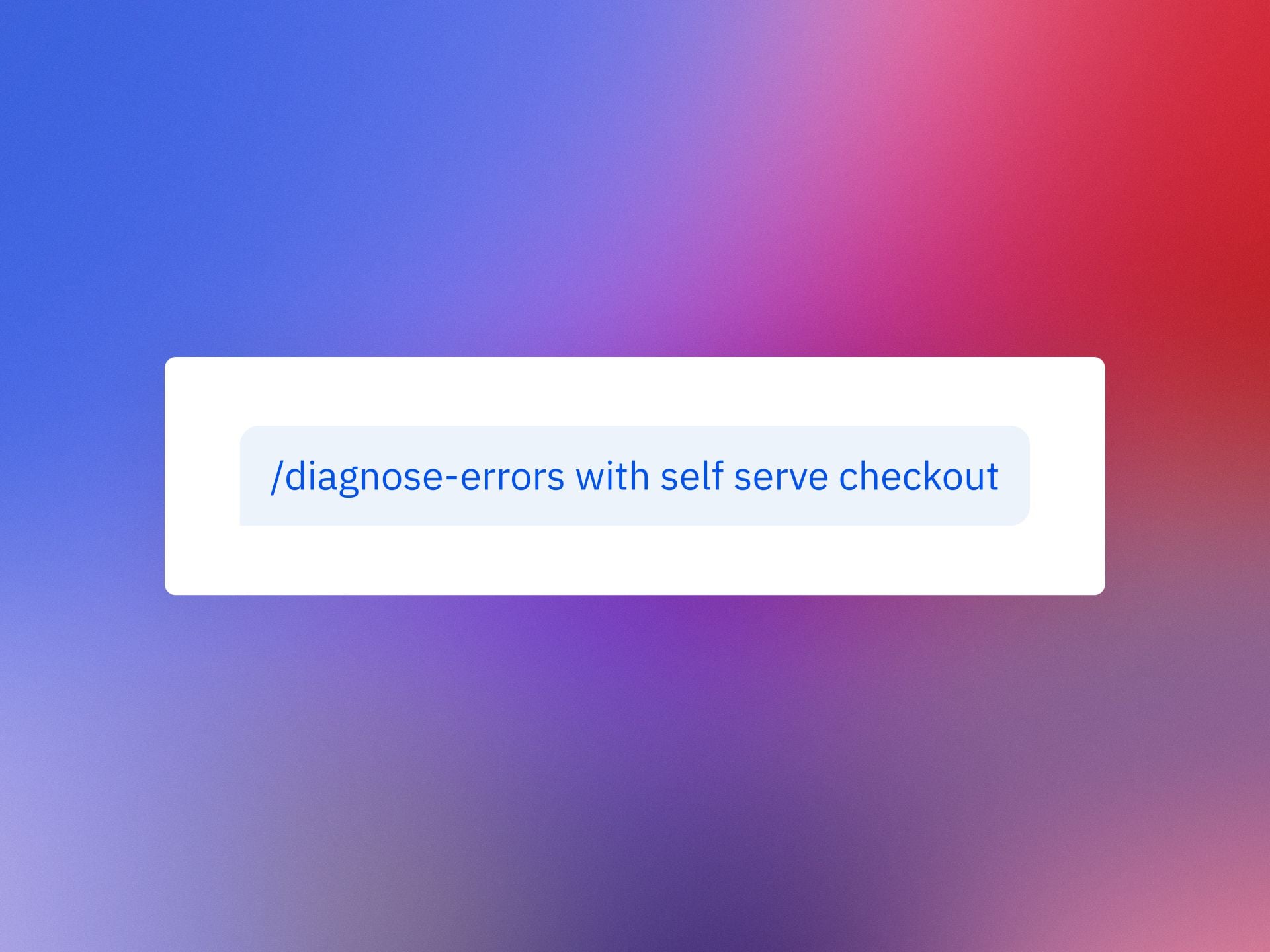
AI agents are getting remarkably good at scaffolding features and writing tests, yet when production issues surface, accountability still lands on me and my team. The last mile of quality—reproducing the issue, isolating the root cause, and validating a durable fix—remains a human responsibility, even in an era of agentic AI. That’s why I’ve built a repeatable debugging approach that blends behavioral analytics with agent-assisted coding to close the loop quickly and safely.
Investigate bugs directly in Claude or Cursor with Amplitude MCP. Learn two Session Replay workflows to debug faster.
The goal is simple: transform messy, anecdotal bug reports into actionable, prioritized work that my developers can resolve confidently. By pairing Session Replay with Amplitude analytics, I can quantify impact, capture precise reproduction steps, and feed rich context into Claude or Cursor. The result is a faster path from signal to solution—and fewer back-and-forth cycles with engineering, support, and product.
Here’s how I use Session Replay to tighten the feedback loop. First, I lean on behavioral analytics to detect anomalies and segment affected users, so I know whether we’re facing an edge case or a widespread degradation. Then I use the replay to see exactly what the customer experienced: the path they took, the UI state, the environment details that matter (device, browser, version), and the precise moment things went sideways. This contextual backbone lets me enter Claude or Cursor with high-signal inputs, rather than guesswork.
Workflow 1: From customer session to reproducible issue. I start with the offending Session Replay and capture the exact steps to reproduce, including state transitions and timestamps for any console errors or API failures. In Claude or Cursor, I provide those steps, reference the replay link, and ask the model to propose a minimal failing test and a hypothesis for root cause. With Amplitude MCP as the connective tissue, I can keep the model anchored to the relevant events and user path while it generates patches or targeted instrumentation. I validate the hypothesis locally, run the failing test, and then move the fix through CI/CD with feature flags so we can verify in production without overexposing risk.
Workflow 2: From code symptoms back to customer evidence. Sometimes I begin in the IDE or agent environment with a flaky test, a suspicious diff, or a performance regression. In that case, I ask Claude or Cursor to outline likely failure modes and the critical code paths. Then I pivot to Session Replay for corroboration: do real users hit these paths, under what conditions, and how often? Using Amplitude MCP to anchor the agent in actual user journeys helps separate theoretical fixes from changes that will meaningfully improve outcomes. I confirm with replays after the patch lands, monitor Web Vitals and related behavioral metrics, and only then ramp the flag.
Two practices make these workflows consistently effective. First, I frame prompts to keep the model tightly scoped: reproduction steps, expected vs. actual behavior, impacted segments, and any known constraints (e.g., rate limits, third-party dependencies). Second, I treat the agent as a proactive pair-programmer: it drafts hypotheses, tests, and diffs, while I provide ground truth from Session Replay and analytics. That division of labor keeps the LLM productive without letting it drift from the evidence.
Operationally, I also align this approach with our incident management and observability standards. For high-severity issues, SREs and product managers share the same replay artifacts, event timelines, and roll-forward criteria. We document root causes and guardrails as docs-as-code, then socialize them via developer evangelism so similar classes of bugs get caught earlier. Over time, this tightens our DORA metrics—particularly lead time for changes and deployment frequency—without compromising stability.
Privacy-by-design is non-negotiable. We ensure Session Replay redacts sensitive fields, enforces least-privilege access, and complies with our data governance policies. When I involve an agent, I include only the minimum data necessary to reach a fix and prefer structured artifacts (event IDs, stack traces, and test cases) over raw PII. These safeguards let us move quickly without trading away trust.
The takeaway is pragmatic: agents can accelerate creation, but accountability for quality still rests with us. By grounding Claude or Cursor in real user behavior via Amplitude MCP and Session Replay, I get faster reproduction, more accurate fixes, and cleaner rollouts. The combination turns “mysterious customer bug” into “verified hypothesis and passing test” in a fraction of the time—and that’s how we ship responsibly at speed.
Inspired by this post on Amplitude – Best Practices.


Leave a Reply