
AI in customer service is no longer experimental—it’s the standard. In my work leading product and customer experience teams, I’ve seen the shift firsthand, and the stakes have never been higher for getting the foundations right.
Fin’s 2026 Customer Service Transformation Report found that 82% of senior leaders say their teams invested in AI for customer service over the last 12 months, with 87% planning to invest in 2026. Those investments pay off with 24/7 availability, multilingual support, major time savings, and faster resolutions. But there’s an unsung hero behind every AI-first support experience: knowledge management.
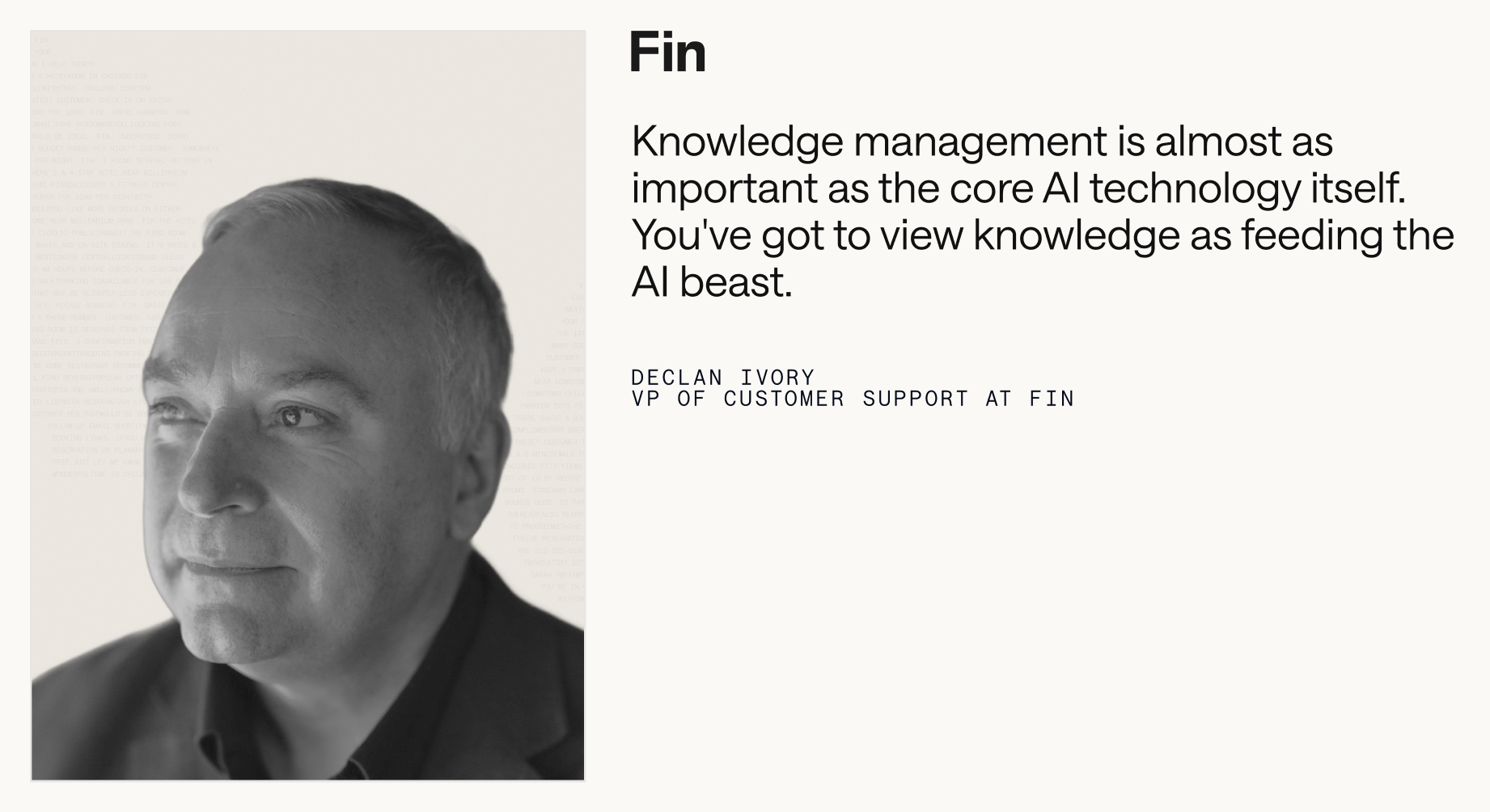
A Service Agent is only as good as what we give it to work with. If we’re using an Agent, like Fin, to resolve customer queries end to end, it needs an extensive pool of knowledge to draw from. We have to feed it accurate answers on our product, features, policies, and troubleshooting. Without these, the Agent can’t do its job—and our team ends up handling repetitive queries that should be automated.
In this guide, I’ll walk you through two phases of the journey. Phase 1 is about building a high-quality knowledge base from scratch or overhauling what you have. Phase 2 is about maintaining, optimizing, and scaling that knowledge so your AI performance keeps compounding over time.
Definition: Knowledge management is the process of creating, organizing, sharing, and maintaining knowledge in your business.
Your help center is the obvious example, but it’s only the tip of the iceberg. Effective knowledge management also means creating resources like FAQs, troubleshooting guides, onboarding and best-practice docs, internal support guidance, and learning materials that cover everything from everyday how‑tos to complex billing and account questions.
It means identifying content gaps—missing troubleshooting steps, unclear policy explanations, outdated feature details, or unanswered edge cases—before your customers find them. It means implementing systems so both your Agent and your support reps can access the right information at the right time. And it means developing processes so your content stays in lockstep with product updates, policy changes, and bug fixes.
Your knowledge base now fuels your entire support experience, not just self-serve. It’s the key to accurately answering complex questions, reducing handle time, and delighting customers across channels.
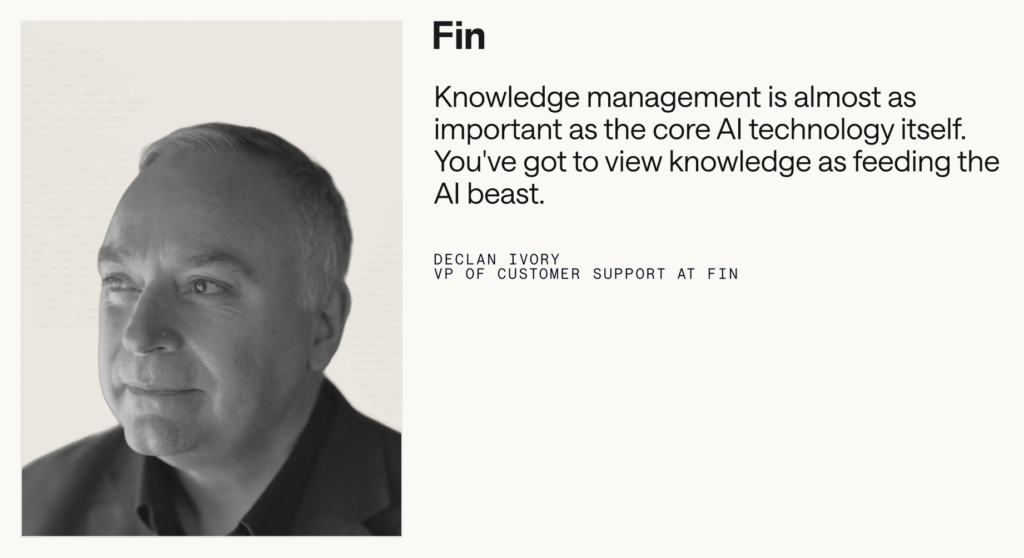
Here’s the blunt truth I share with every team: your Agent is only as strong as what you feed it. A lack of information, messy structure, or stale documentation will tank accuracy and trust. No large language model (LLM) knows your business like you do. It doesn’t understand your customers’ needs, pain points, and use cases. That knowledge is unique to you and your organization, meaning you need to be the one to map it all out and make it available to your Agent.
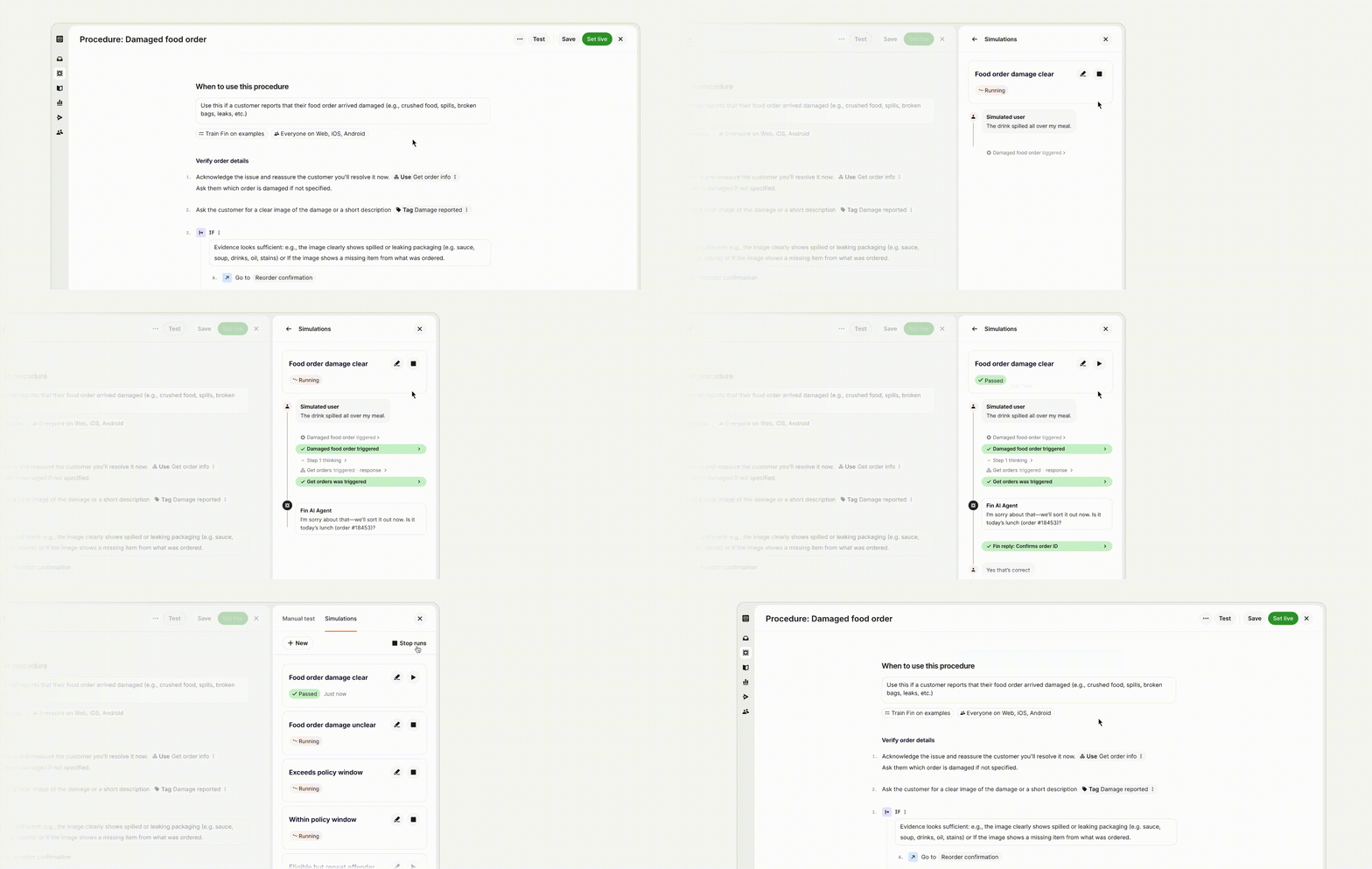
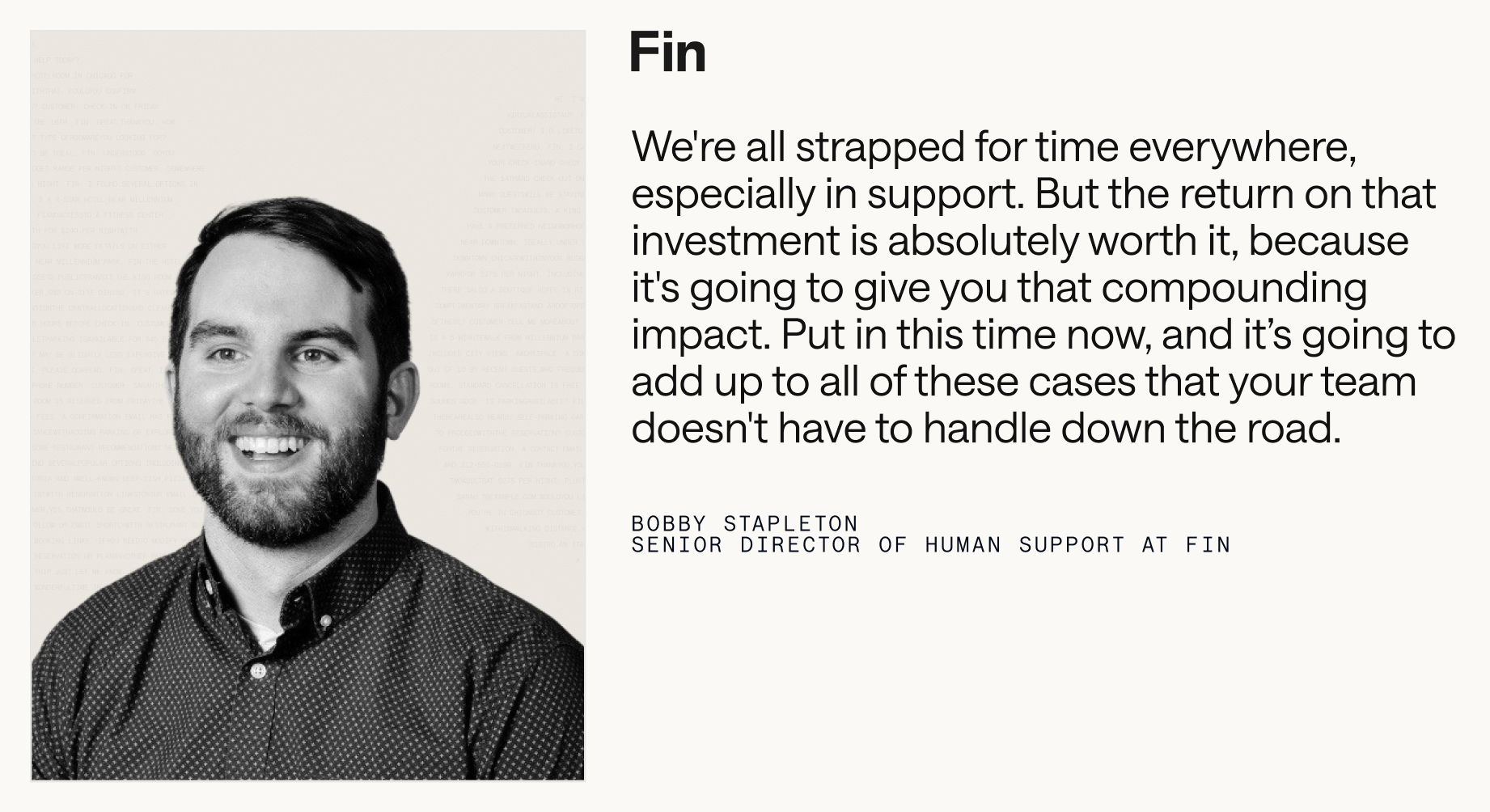
Every investment in knowledge also has compounding results. Think of it as a flywheel: when you improve your knowledge base, your Agent solves more cases and generates better data. That data shows you what to add, update, or refine next. The sooner you plant the seeds, the sooner you’ll harvest the returns.
Consider a simple calculation. If it takes 30 minutes to write a troubleshooting article for a common issue, that half hour often saves hours for your support reps, who no longer need to handle that query. You can estimate impact by multiplying the average time to compose a response by the frequency of the query. For customers, multiply the number of customers who ask this question by their average time to resolution to quantify time saved. Then monitor Agent involvement rate, resolution rate, and automation rate to see the compounding effect.

Phase 1: Building your knowledge base is about getting your content durable and AI-ready. I start by prioritizing what to include, where to source it, and how to audit and triage before go‑live.
Data-driven tools can surface the right starting points. For example, platforms like Fin can surface knowledge gaps from real customer conversations where help content is missing, unclear, duplicated, or contradictory. A centralized knowledge hub then becomes your single source of truth for both customer-facing and internal content, with audience controls to ensure your Agent only uses the right materials for the right users.
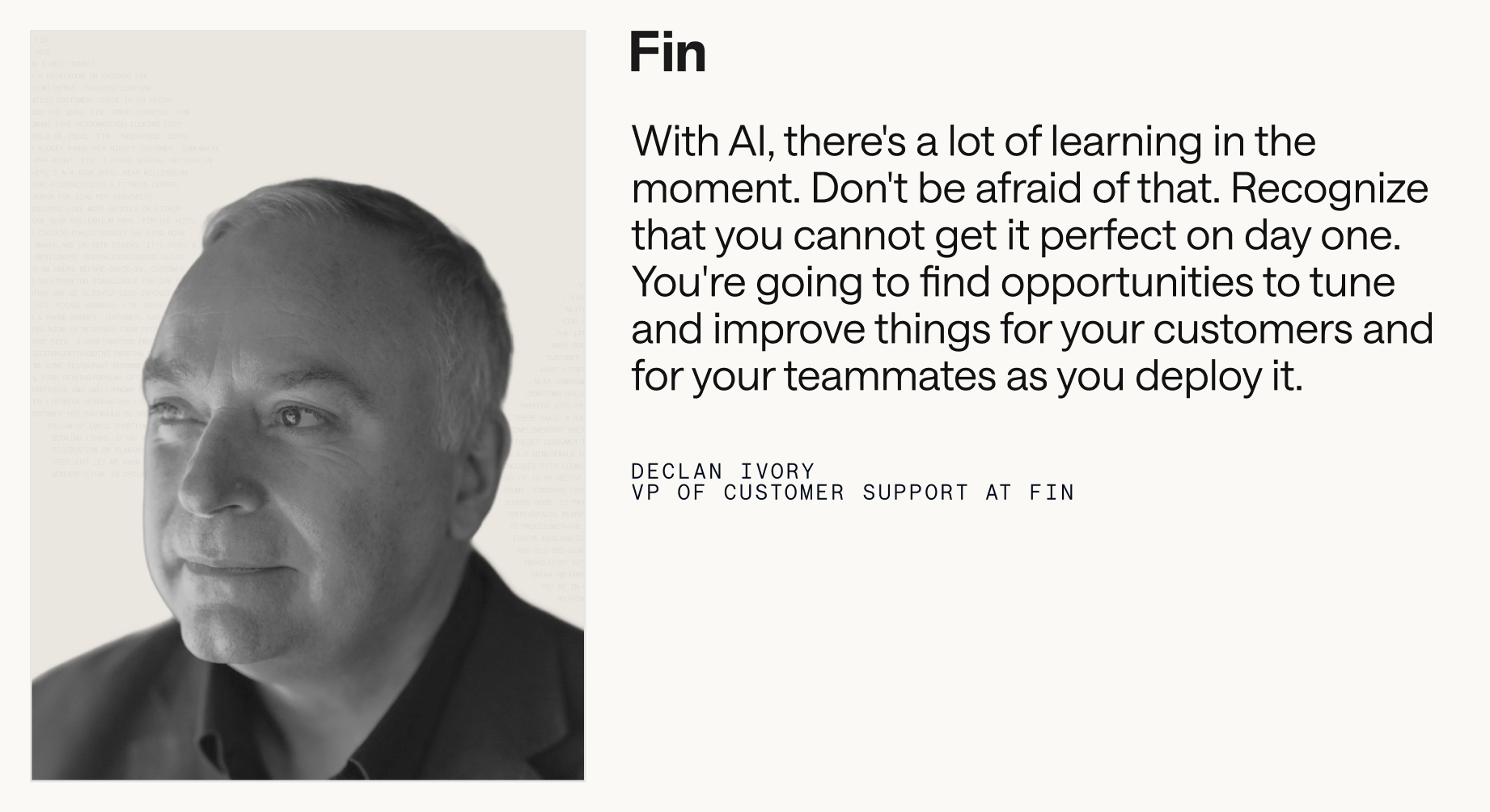
Here’s how I prioritize content for the first wave. Support FAQs come first—billing changes, account updates, feature usage, troubleshooting, and policy questions. I mine the inbox and historical conversations to find the highest-frequency issues and turn them into crisp help articles the Agent can quote.
Next, I build onboarding and setup guides so new customers reach value fast. I collaborate with customer success and product to document the fastest path to “first win,” and I ensure the Agent can reference those steps in chat and in‑product guidance.
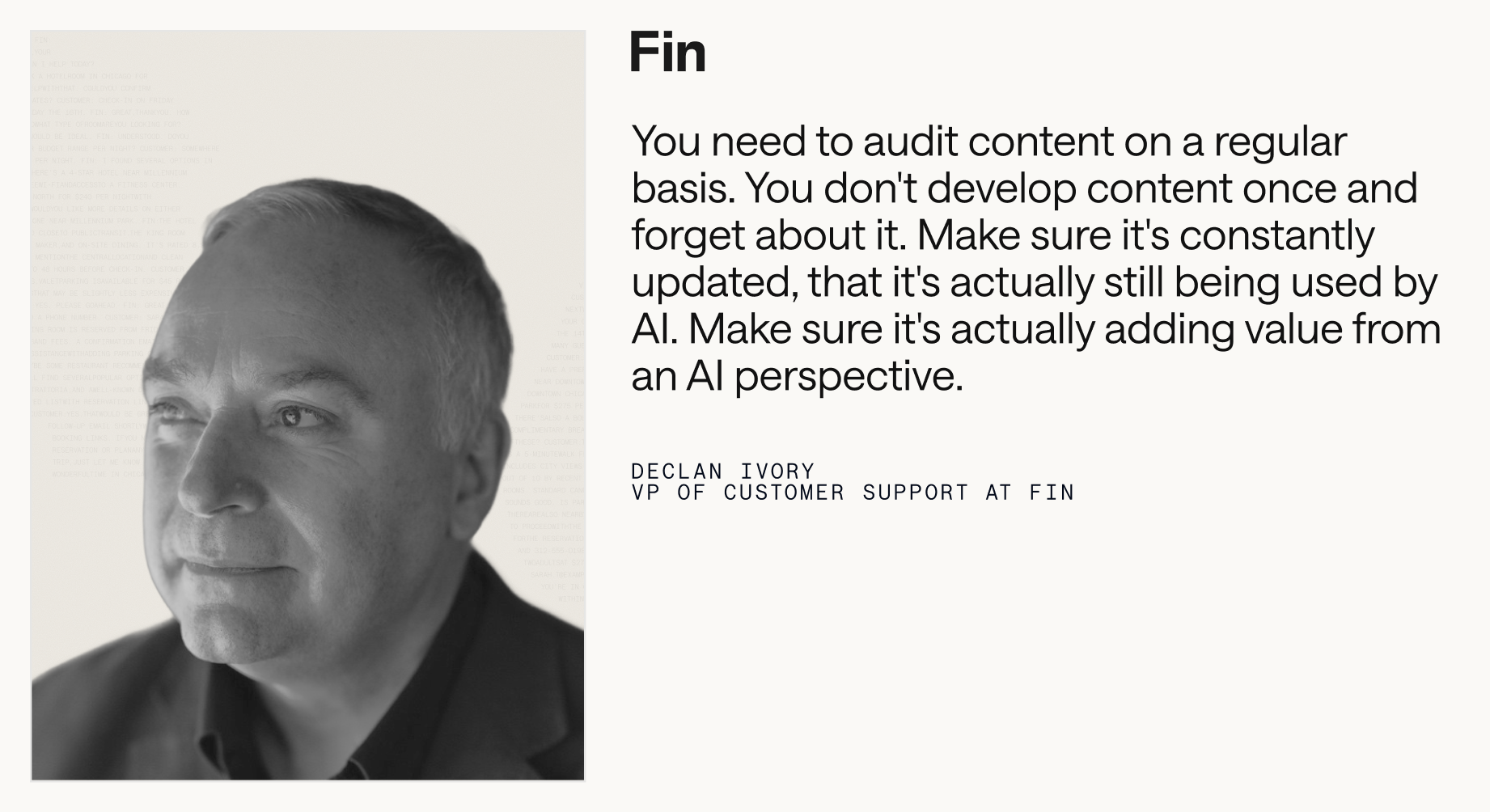
Then I add troubleshooting and advanced guides for deeper issues and power-user workflows. I pull in product managers, engineering, and success managers to capture deeper diagnostics, known limitations, and recommended workarounds—exactly the details that prevent escalations.
Finally, I create content for specific use cases and customer segments. Different goals and configurations require contextual guidance, so I reflect language customers actually use and tailor examples to their jobs-to-be-done.
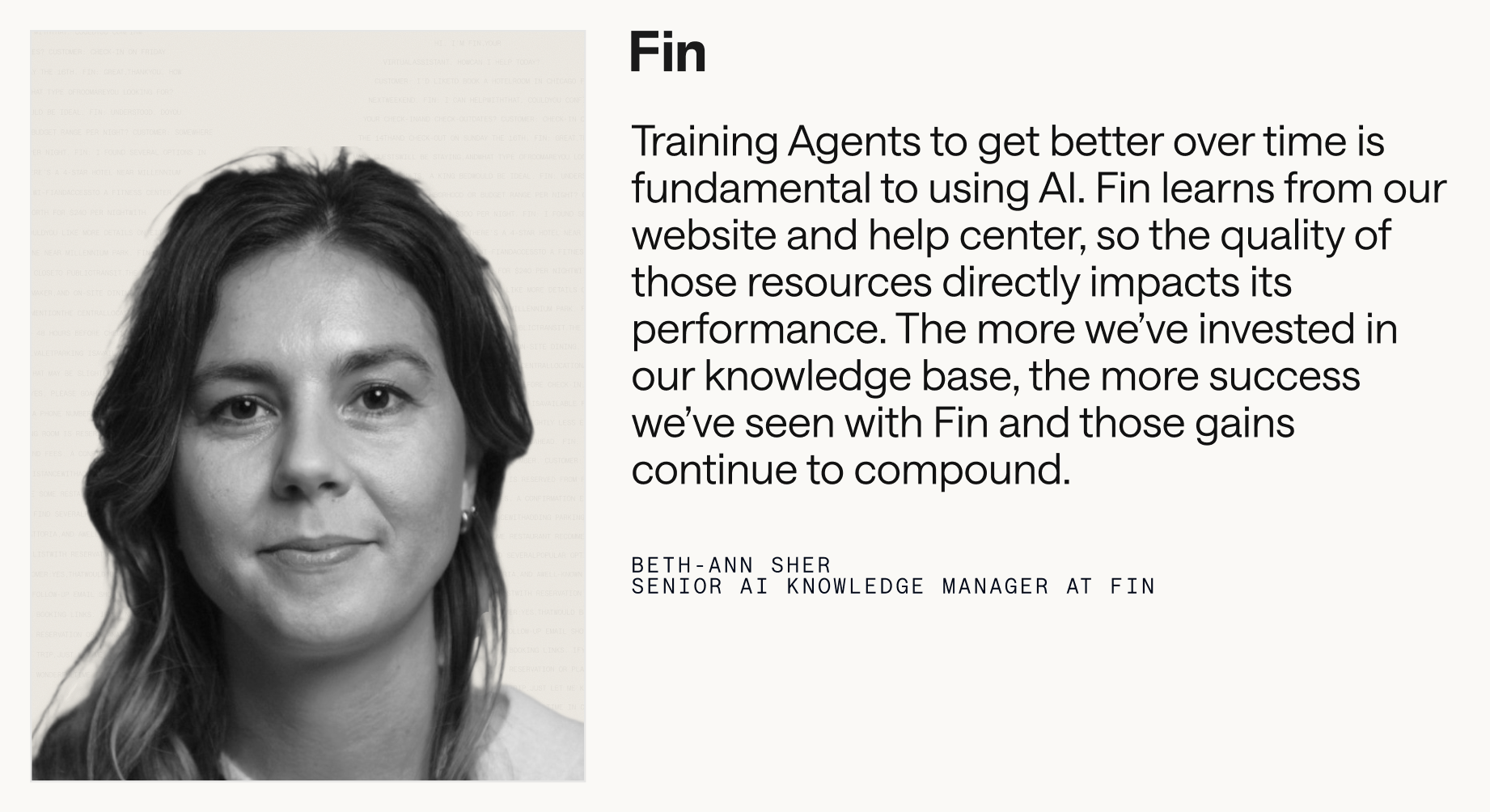
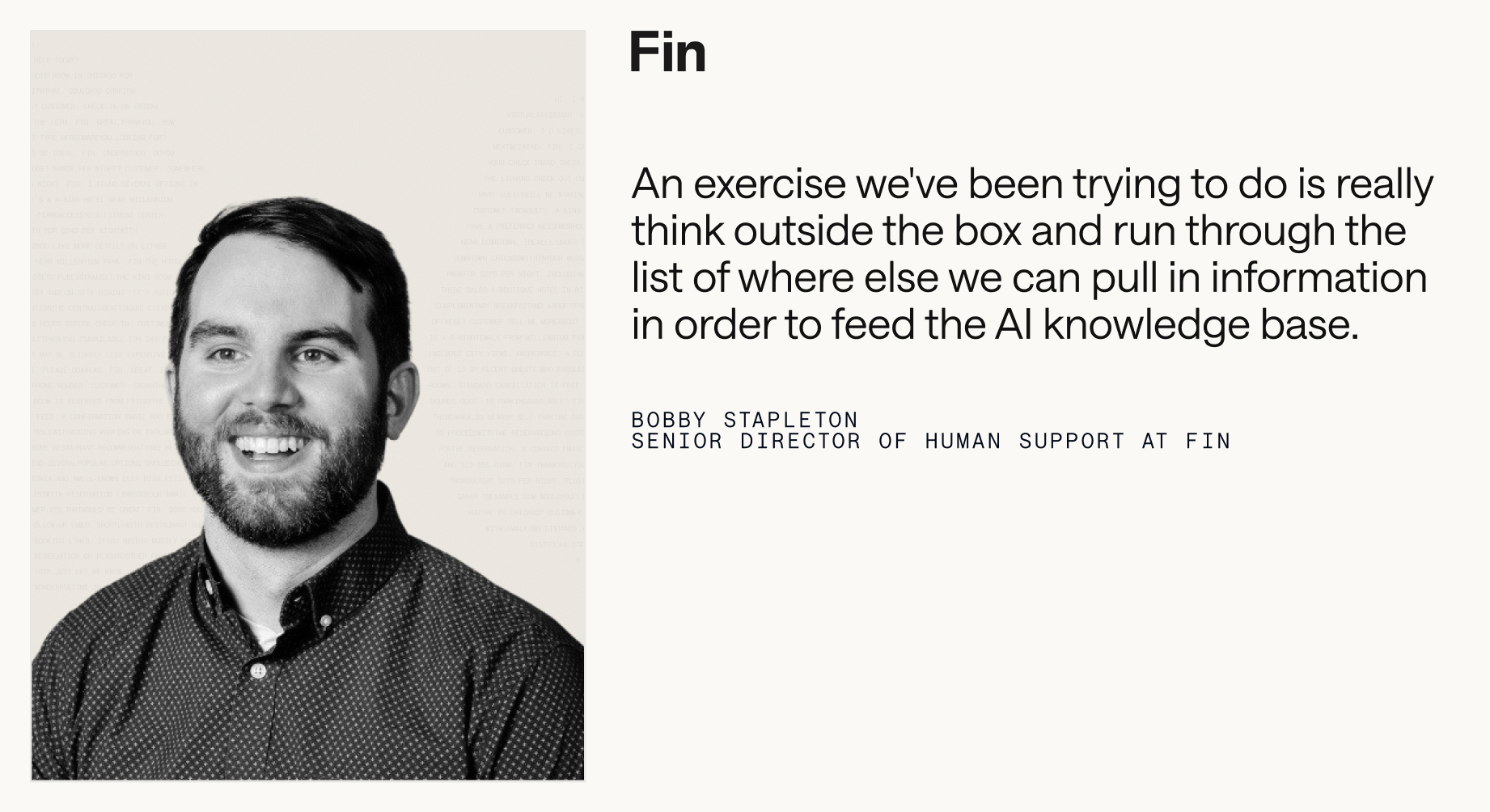
When sourcing knowledge, I cast a wide net and consolidate it so the Agent and my team can use it reliably. That includes public help articles and troubleshooting guides; internal runbooks, escalation steps, and policy clarifications; curated snippets for short replies and exceptions; past conversations that expose gaps; relevant website pages; and documents like PDFs and DOCX with selectable text.
Before anything goes live, I run a structured content audit. The goal is twofold: prevent the Agent from learning from outdated information, and expose gaps that will cause escalations. I divide content by product area, assign clear ownership, and set a time‑boxed review window to update, consolidate, or retire content. Shared ownership turns a daunting clean‑up into a manageable sprint.
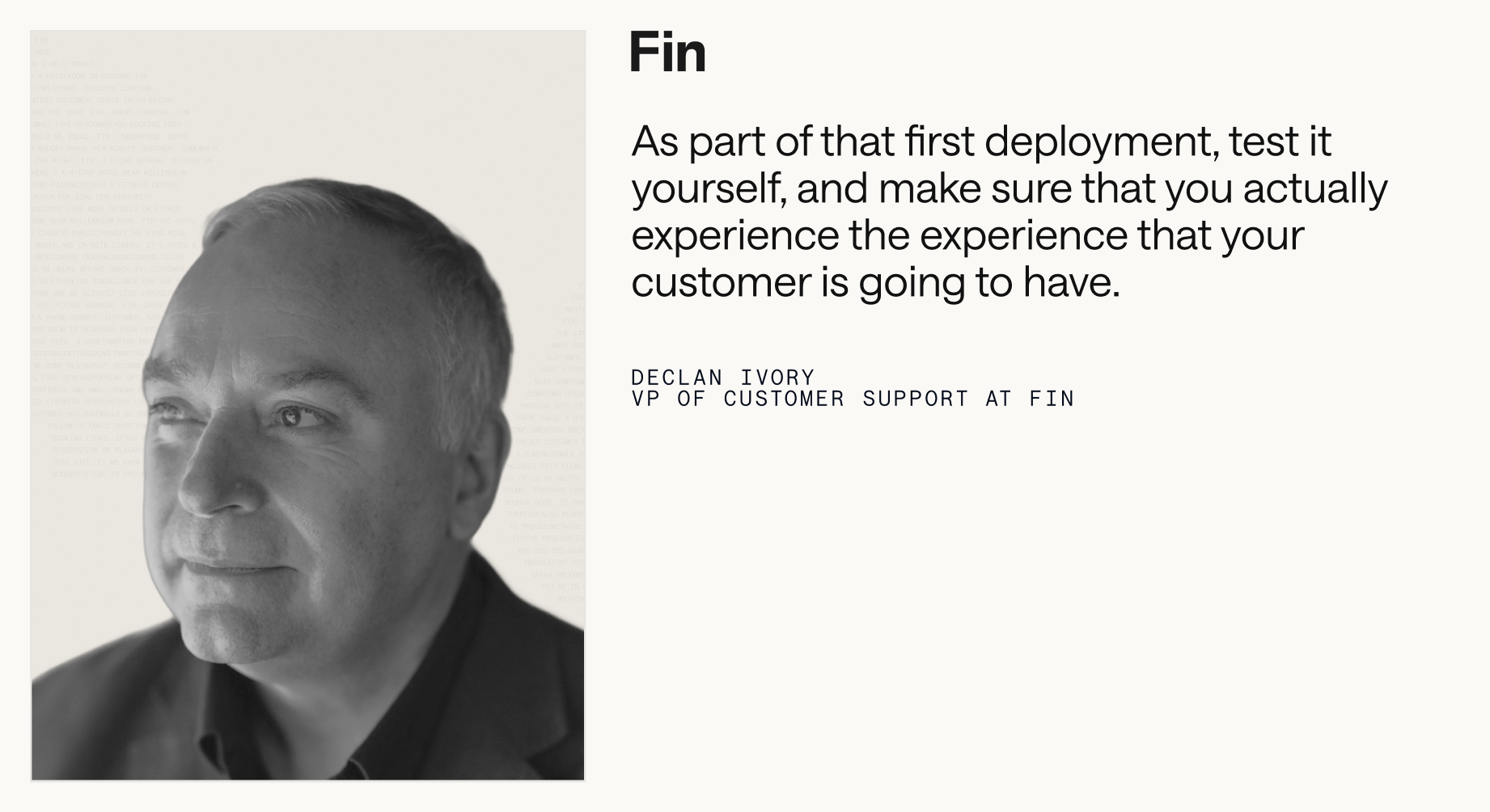
I also walk the customer journey myself—exactly as a new user would—so I can experience the Agent’s responses firsthand and spot missing topics or keywords. Where my platform supports it, I use preview and batch testing to validate coverage across common questions, then simulate more complex workflows to ensure handoffs and steps are properly defined before launch.
After 30 days of Agent activity, I dive into the data. I look for topics driving handoffs to humans, articles correlated with low resolution rates or CSAT, and content that customers view but still escalate. Those signals tell me exactly what to write or refine next—and where to tighten conversation design or retrieval.
Prioritization is where impact accelerates. I focus first on the content my team shares most: top help articles, troubleshooting steps, onboarding flows, and policies. I study conversation analytics to identify the most common questions, the longest handle times, and the lowest CX scores, then close those gaps with targeted content. I also review high‑view articles that haven’t been updated recently and refresh anything affected by changes to product, policies, or plans.
Resourcing matters. Building a high-performing Service Agent shouldn’t be a side gig. I explicitly allocate weekly time for frontline reps, support specialists, and product partners to work on content requests and knowledge improvements. A 5–10 hour per‑person cadence is a practical baseline, and it doubles as a powerful way to upskill the team for emerging AI roles.

Writing for AI is writing for customers. I train the Agent to mirror the terms our customers use by analyzing search queries and real conversation language. I avoid internal jargon, expand acronyms, and clarify key concepts to eliminate ambiguity. When a topic invites yes/no answers, I restate the question and add the necessary context so the Agent doesn’t misinterpret shorthand. I always pair images or videos with clear explanatory text so the guidance is accessible and machine‑readable. And I structure content for scanning with crisp headings and short sections, avoiding hidden information that requires clicks to reveal.
When I have bite‑size answers—common edge cases, policy clarifications, repetitive high‑volume queries—I collect them into focused internal snippets or compact FAQs so the Agent can retrieve and deliver precise answers quickly.
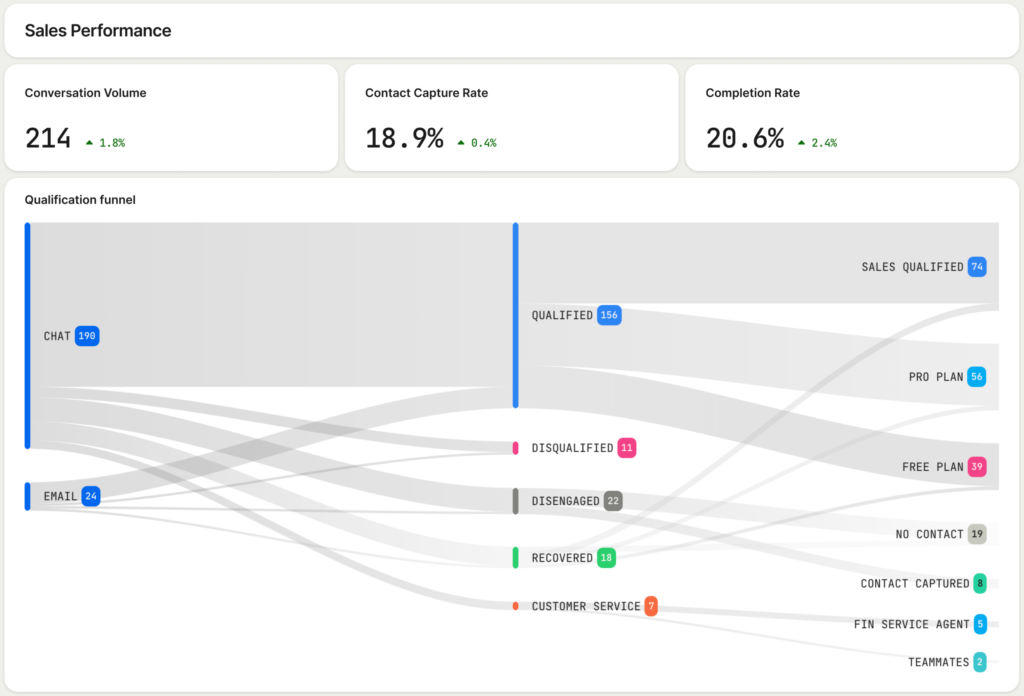
Phase 2: Knowledge management is where the compounding value kicks in. Once live, I track the metrics that matter: resolution rate (conversations fully resolved by the Agent when it was involved), automation rate (total conversations handled by the Agent across overall volume), time saved (hours of manual work offloaded), Customer Experience (CX) Score comparisons across AI and human conversations, and CSAT parity.
Then I put those learnings to work. Inevitably, some problems won’t be solvable on day one. That’s a gift—it shows me where to refine workflows, add clarifying steps, and strengthen knowledge depth. The richest insights often come from where the Agent struggles or escalates; those friction points become my highest‑ROI content tickets.
Knowledge management is never one‑and‑done. As products, customers, and business goals evolve, so must the knowledge. I formalize an ongoing maintenance cadence with clear ownership, review intervals, and time blocks on the calendar. Wherever possible, I use AI‑assisted drafting to propose updates, summarize gaps, and accelerate review without sacrificing quality.
To sustain momentum, I create a simple intake for content requests—often a lightweight ticket workflow inside our support tools—so anyone in support, success, sales, marketing, engineering, or product can flag gaps and propose improvements. The teams closest to customers usually spot the patterns first; a good intake system ensures we don’t lose those insights.
I also bake knowledge work into every launch plan. New features, product updates, plans, and policies require Agent‑ready content at launch, not after. I partner with product, support, and product marketing to produce best practices and anticipated FAQs in advance, then I review early conversations post‑launch to spot recurring confusion and fast‑follow content needs.
Brand consistency builds trust across every touchpoint. I standardize terminology for products, features, plans, and policies so the Agent, the help center, and human reps all speak the same language. I proof for tone, spelling, and grammar, and I use templates so content feels cohesive. I also include clear contact options for customers who need them—what channel to use, when to use it, and what to expect—so we maintain confidence even when escalation is required.
Clarity about audience matters, too. If certain content applies only to specific roles, plans, or regions, I label it explicitly and, where my platform supports it, target content so the Agent uses the right guidance for the right segment.
Finally, I connect the dots. When conversations, customer data, and knowledge live in one place, every interaction becomes an insight loop. A connected Agent turns support into a retrieval-first pipeline, making it far easier to diagnose issues, improve accuracy, and continuously raise the bar on customer experience.
Behind every high-performing Agent is a rigorous, AI-friendly knowledge management practice. Treating knowledge as a core service function—not a project—creates systems that improve with every conversation. That’s how we transform support from a cost center into a compounding engine for customer satisfaction, operational efficiency, and growth.
Inspired by this post on The Intercom Blog.



Leave a Reply