
I spend a lot of time bridging what customers need with what our systems can actually do. The biggest gap I see is simple: your AI Agent can answer questions all day, but without access to your backend systems it can’t take action. That gap keeps routine work on your team’s plate and keeps your AI from delivering the ROI leadership expects.
Take a common scenario. A customer asks to change their payment plan. The Agent explains the process clearly, but a support rep still has to step in and make the change. Another asks for an account update—same story. The Agent knows the answer; it just doesn’t have the ability to act. Closing that gap means connecting the Agent to the systems where work actually happens—your CRM, billing platform, or order management tools. That’s usually an engineering ask, so it needs a crisp, business-backed case.
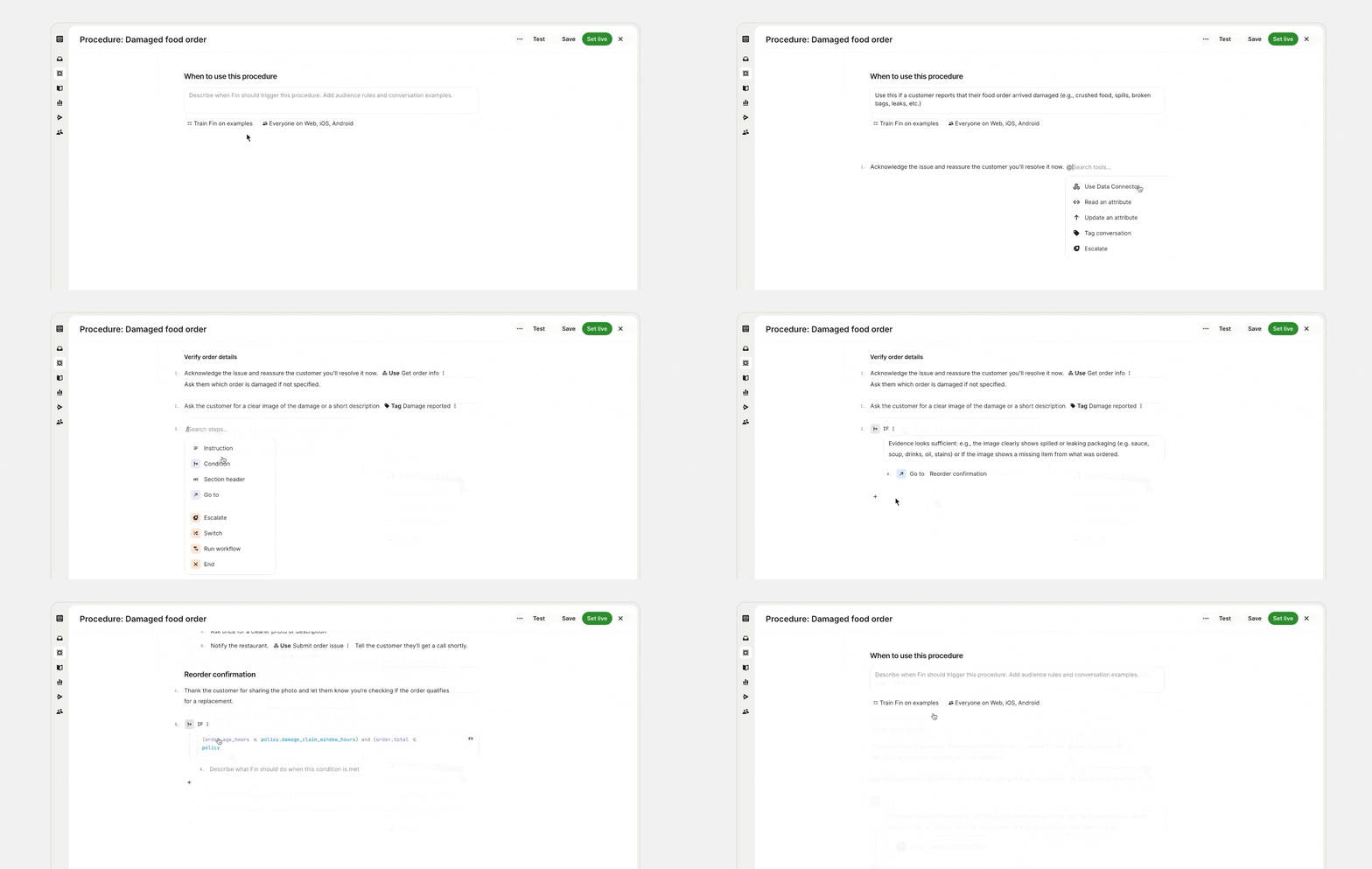
Here’s the shift that happens with system access. Without access, your Agent tells a customer how to submit a damaged order claim. With access, your Agent processes the claim, checks the order status in your database, and confirms the replacement – all in one conversation. Without access, your Agent tells a customer to log in to check their subscription renewal date. With access, your Agent looks up the renewal date and subscription status in real time and gives the customer an immediate answer – no log-in required. That move from answering to acting is where the economics of AI-first support change and where the engineering investment pays for itself.
According to our 2026 Customer Service Transformation Report, 87% of teams with mature AI deployment – where AI is integrated into support operations and working at scale – report improved metrics, compared with 62% overall. But while 82% of senior leaders say their teams invested in AI over the last year, only 10% say they’ve reached that stage of mature deployment. In my experience, the difference between adoption and maturity is integration. An Agent is good at answering questions, but without system access, it can’t complete work.
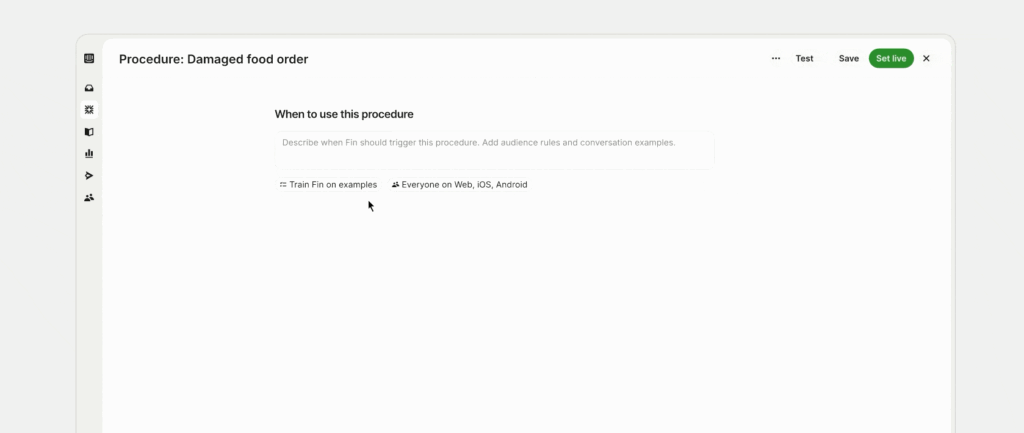
Our own support team tested this directly. We’d been running four of our highest-volume workflows as fixed, scripted workflows – known in Fin as Tasks. They worked for simple, linear processes, but couldn’t handle complexity. When we rebuilt them as Procedures, workflows with real system access, the results weren’t uniform. That’s exactly the point. Procedures create the biggest lift where the work requires judgment, branching logic, live data, or better handoffs.
Here’s what changed, exactly: Bounce list moved from Task 9.3% to Procedure 79.9% (+70.6 pp). Report a bug increased from Task 9.2% to Procedure 66.5% (+57.3 pp). Email forwarding rose from Task 44.9% to Procedure 66.5% (+21.6 pp). Messenger installation edged up from Task 67% to Procedure 69.2% (+2.2 pp). Data reflects the last 12 months to May 2026.
Each flow improved for a different reason. Bounce list needed judgment, with multi-step logic, error recovery, and dynamic branching – things a Task could never handle. Bug reporting still gets handed off to a human, but the quality of the handoff improved: teammates receive pre-triaged tickets with GitHub issue matches surfaced, the right URLs extracted, and impersonation access already requested. Messenger installation barely changed because it didn’t need to; it was already a simple, linear workflow that Tasks handled well. Not every workflow needs deeper integration, but the ones that do are where the biggest gains are.
When I build the internal case for Agent integration, I start with a tightly scoped ask. Your best first candidate is high-volume, repeatable, tied to a clear system owner, and has an existing API or a realistic path to one. Look at your Agent’s analytics for patterns: where is it explaining a process instead of completing it? Where are customers being told to log in, check another system, or wait for a human? Those are your starting points.
Next, I map the workflow step by step in plain language. I mark where the Agent needs to read data and where it needs to take action, and I define the smallest set of fields required from each system. The more focused the ask, the easier it is to approve. If you’re using Fin, the Recommendations dashboard surfaces these insights directly – prioritized by conversation volume – and includes the API requirements and data needed, sample schema, and effort rating for each one. Include this in your case so your request is already scoped and easy to assess.
I also prefer to phase integrations. Phase 1: No integration needed. Use your Agent for guided troubleshooting, triage, policy checks, and routing logic. This requires no engineering work and helps identify which workflows would benefit most from system access. Phase 2: Read-only access. Connect your Agent to one system so it can look up information like order status or subscription details—one workflow, a small set of fields, no write permissions. Phase 3: Write actions. Let your Agent take action in a system—issuing refunds, cancelling subscriptions, or updating records—once the team has built confidence in the earlier phases.
Engineering teams will ask smart questions about capacity, scope, API readiness, and roadmap fit. Here’s how I keep momentum. 1) Defining capacity: You don’t need a big commitment upfront. Start with a narrow pilot on a recurring, high-volume workflow. If you’re using Fin, Operator can draft the initial workflow from a plain-language description, reducing back-and-forth on requirements. 2) Scoping system access: Start small and define boundaries together—specific endpoints and a small set of approved fields. Read-only access is often the right starting point, with no write permissions and no risk of unintended changes.
3) Working around API readiness: A fully built API doesn’t have to come first. Most Agents support mock responses, so you can validate logic using test scenarios. If you’re using Fin, and the integration – configured using Data Connectors – is still a few sprints out, a human-in-the-loop step can act as a temporary stand-in, where a teammate completes the step manually while you gather data on the full workflow’s impact. That data makes the case for prioritizing real integration. 4) Fitting it into the engineering roadmap: If Agent integration isn’t on the team’s roadmap this quarter, use the time to get ready. Map processes, document required fields, and define success metrics. When capacity opens up, a fully scoped request with clear expected impact is far easier to schedule.
The first integration changes the internal conversation. Once leadership sees resolution rates improve on a real workflow—and engineering sees what the work actually entails—the second request starts from a different baseline. Every workflow your Agent resolves end-to-end is one less task landing with a support rep, freeing experts to focus on work that truly requires human judgment.
If you want a structured path, explore The AI Agent Blueprint. The strongest case for deeper integration is the work your team is still doing that your Agent could handle—and the cost of continuing without it. The teams that get the most value from system integration don’t ask for everything at once; they start with one workflow, measure the result, and use that proof to make the case for what comes next.
Inspired by this post on The Intercom Blog.




Leave a Reply