
Today I’m introducing Operator, an Agent that works across both Fin and the Intercom helpdesk to help you manage your customer operations.
In practical terms, Operator manages help content, builds automation, does the ongoing work that determines how well Fin performs, and runs the operational work your human team doesn’t have time for. That combination is precisely what modern support teams need to move from reactive firefighting to proactive, consultative support.
Why does this matter? Running a customer operation means managing AI and humans simultaneously, and doing this well requires more capacity than most teams realistically have. I’ve felt that strain firsthand—competing priorities, constant context switching, and a never-ending queue that blurs strategic focus.
On the AI side, Fin’s performance is largely influenced by what surrounds it: the accuracy of your help content, the quality of your Fin configuration, and how well you understand what’s working and why. When product teams ship daily, keeping your help center current means finding every affected article before customers notice the gaps. When Fin gets a conversation wrong, diagnosing it requires reading through what happened, identifying the root cause at the configuration level, making the fix, and verifying it worked. Analyzing why your resolution rate dropped means pulling conversations, finding patterns, and tracing the cause back to something actionable. And beyond individual fixes, there’s the ongoing question of what to automate next – what your human reps are still handling repetitively, whether it’s worth building a Procedure for it, and how to test it before it goes live.
On the human side, the demands are just as continuous. When an incident hits, someone needs to identify every affected customer, draft the right response, and send it before the problem compounds. Team leads need visibility into rep performance across hundreds of conversations to coach effectively and prep for 1:1s. Reps need to know what to prioritize without spending the first part of their day figuring it out. In fast-moving environments, that operational overhead wastes energy you should be investing in better customer outcomes.
Too often, the work outpaces what teams can manage, so it happens reactively, or not at all. Operator was built to change that, giving teams a new way to understand, manage, and improve their customer operations. Here’s how I put Operator to work across AI workflows and human-led processes.
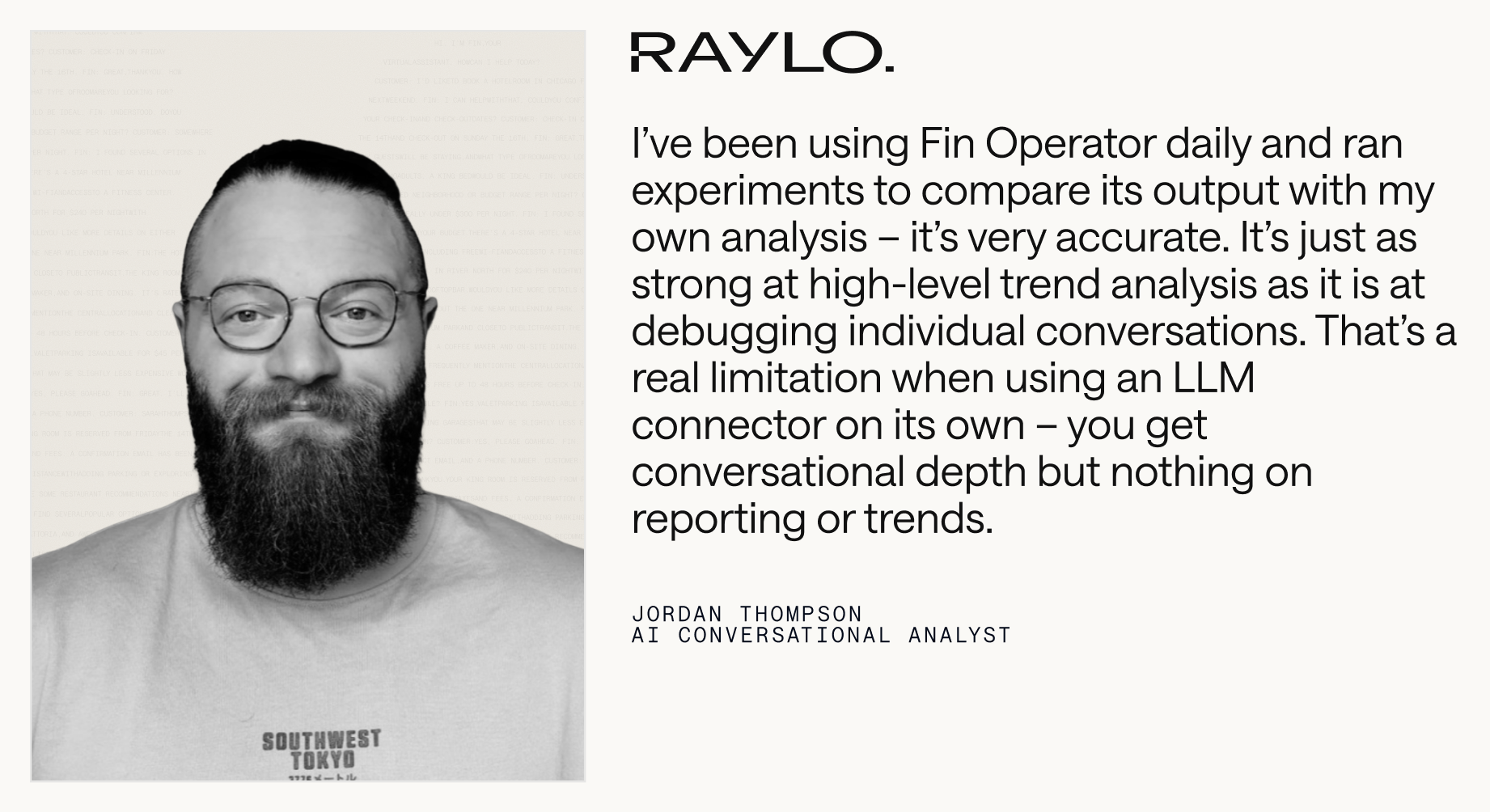
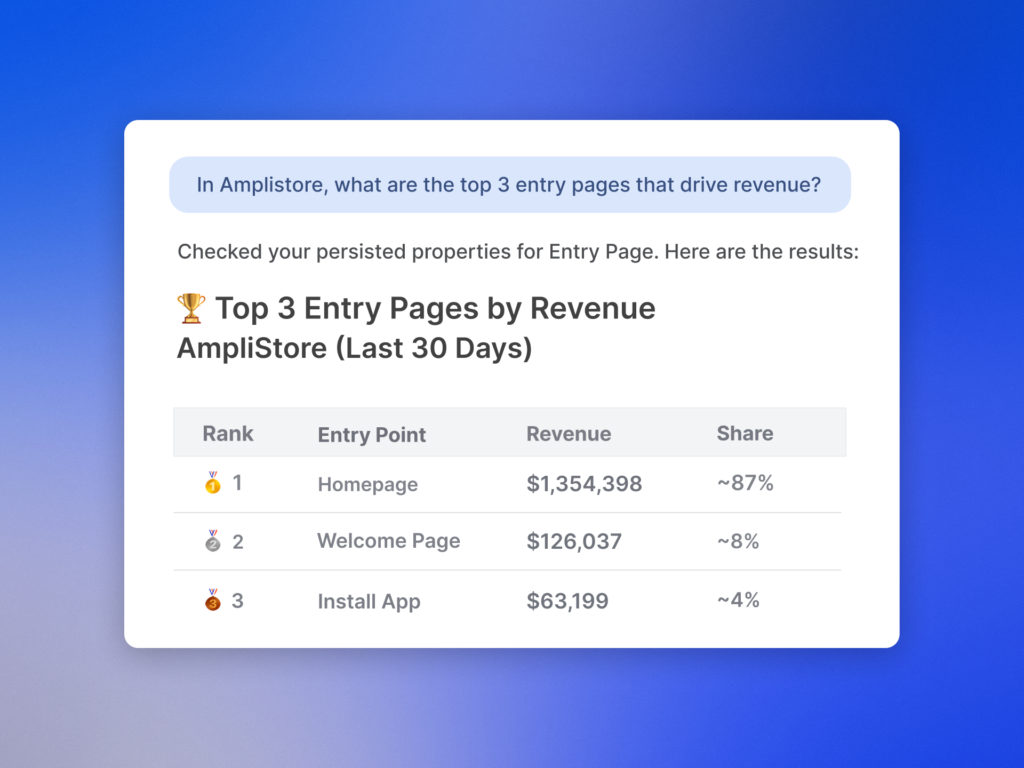
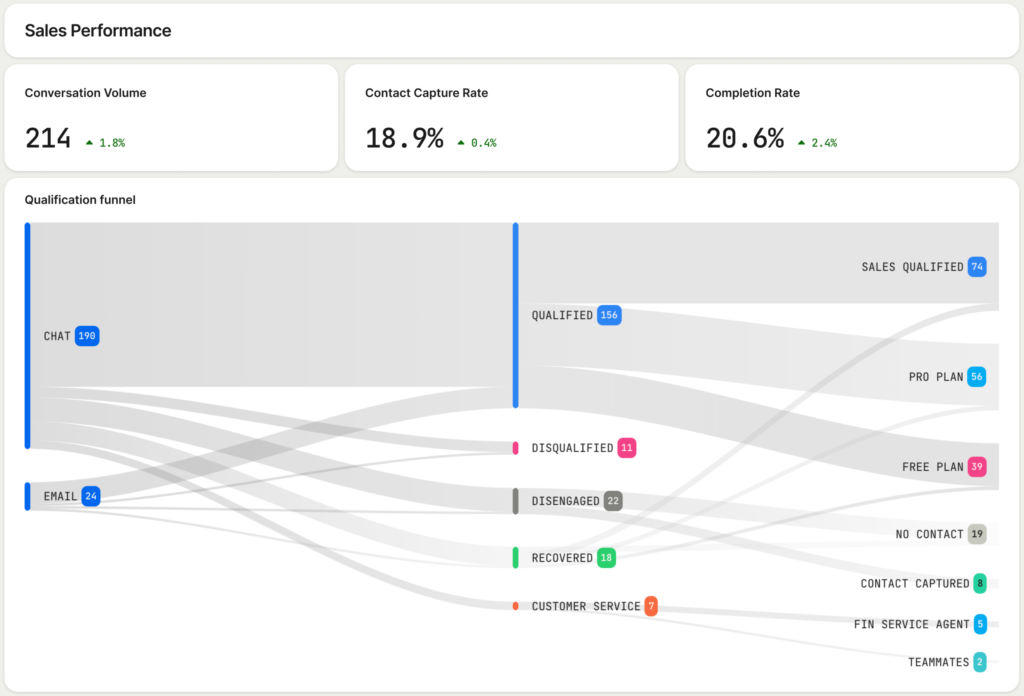
First, I use Operator to ask my data anything. Your support operation generates more useful data than most teams have time to process. Operator gives you direct access to it. You can ask it any question about what’s happening in your operation (why a metric changed, what’s driving escalations, how the team performed last week) and it returns structured answers with charts, breakdowns, and the ability to dig further. It analyzes samples of real conversations on the fly to surface patterns and identify root causes. If your head of product wants to know what customers are saying about a new release, you can ask Operator rather than spending half a day pulling a report together. It also works across your entire operation, analyzing Fin’s performance, your human reps’ performance, and customer sentiment.
Crucially, I don’t start from scratch every time. Give Operator ongoing work, like analyzing your automation rate every Monday, flagging anything that needs attention, and posting the report in your Fin workspace. It’ll run the analysis, write the report, and deliver it without you having to go looking for it. That’s the kind of agentic AI leverage that compounds week after week.
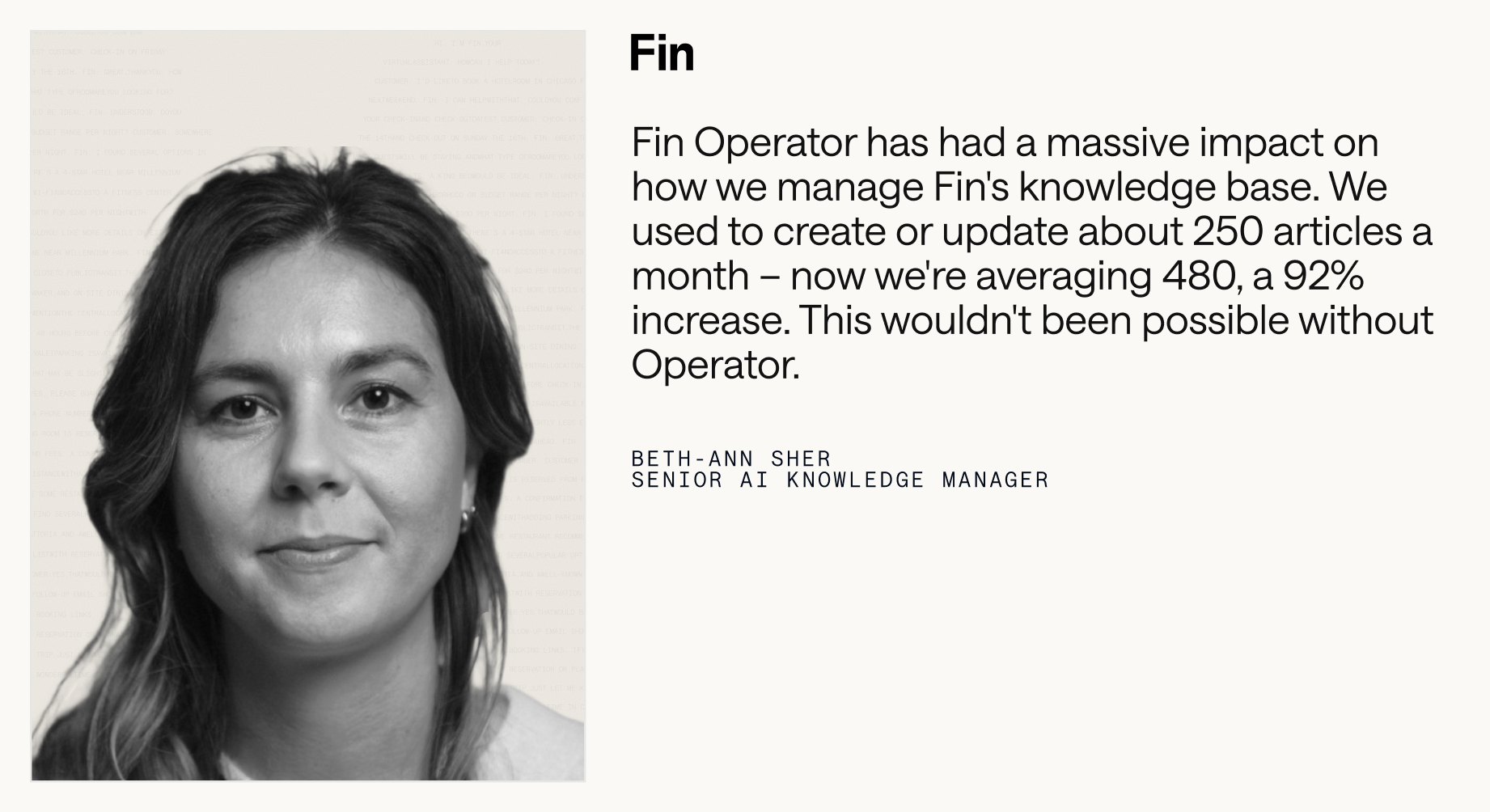
Second, I keep the knowledge base current without writing a single article. Your knowledge base is only as useful as it is accurate. When product teams ship fast, keeping pace with content updates is a substantial, ongoing job. Give Operator a brief about anything, from a new feature or policy change to release notes, and it finds every article in your help center that needs updating, drafts the edits in your tone of voice and style, identifies content gaps, and drafts new articles to fill them. It even handles localized versions. Every change is formatted as a proposal (Operator’s version of a pull request) for you to review, edit, and approve before anything goes live. It feels like adding several knowledge managers to the team overnight, without the ramp time.
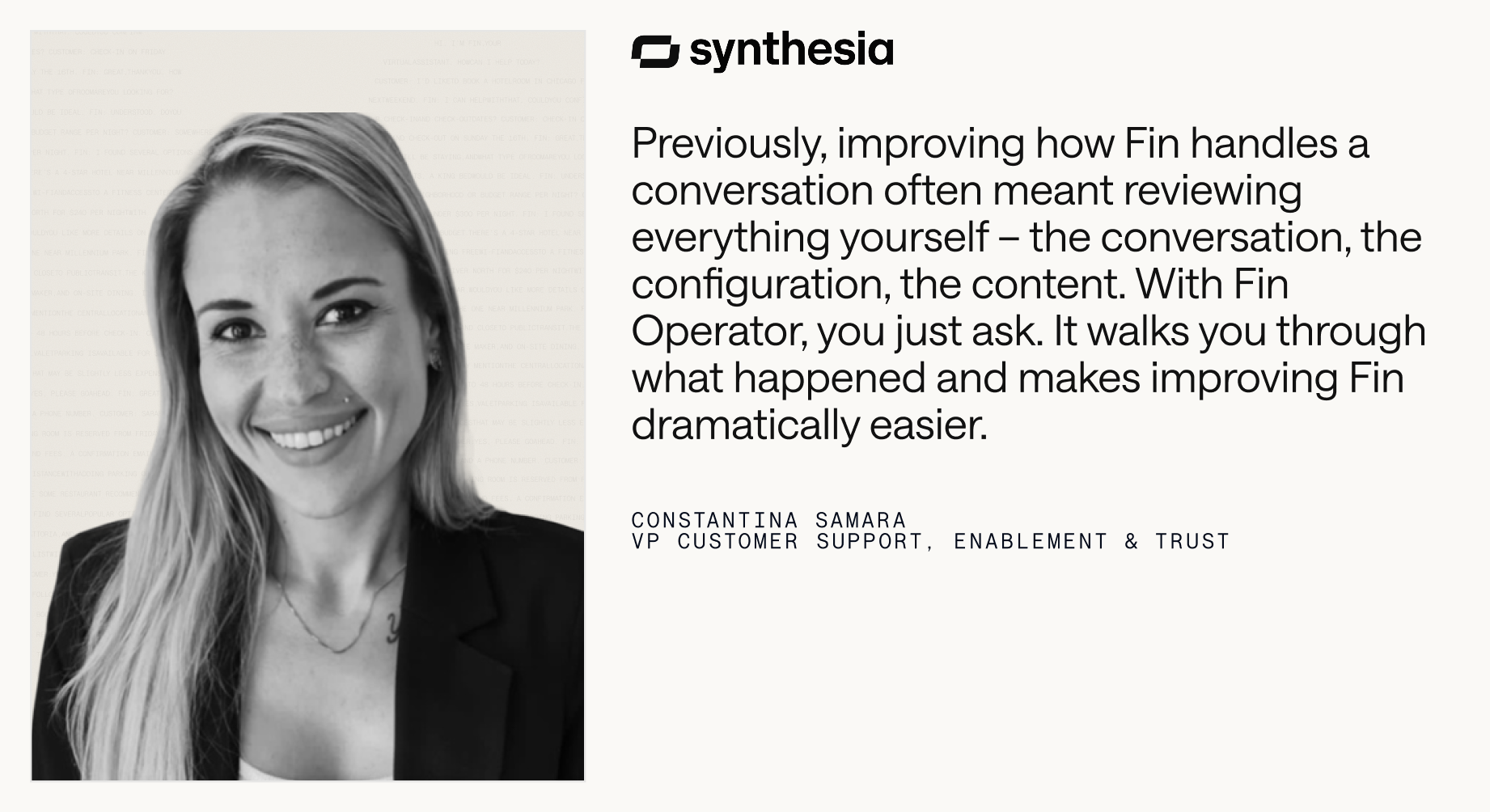
Third, I build, test, and ship improvements to Fin directly through Operator. When Fin gets a conversation wrong because of a content gap or misconfigured rule, Operator can debug it by reading through the conversation, identifying what caused the problem, proposing a fix, and running simulation tests to verify it before you approve. You see what changed and why before anything goes live. Beyond debugging, Operator has deep knowledge of every Fin feature and capability, so you can ask it directly to help you configure whatever you need. If you need a Procedure for a specific query type, describe the outcome you want and Operator builds it, including triggers, multi-step instructions, edge case handling, and a simulation test, all from a single prompt. The same applies to configuring Guidance rules, data connectors, monitors, and workflows. You don’t need to know which feature solves your problem or how to configure it; you just describe what you want.
For teams looking to increase their overall automation rate, Operator can handle that strategically too. Ask it to analyze where your biggest automation opportunities are and it surfaces them by volume, along with an estimate of the weekly team time each one is consuming. Pick one, and it builds the solution for you to approve. That’s consultative support, productized.
Finally, I use Operator to effortlessly manage the human side of support. When an incident hits, Operator identifies every affected conversation, drafts targeted responses, and sends them proactively, turning what would normally be hours of reactive triage into minutes of review and approval. For ongoing management, a team lead prepping for 1:1s can ask Operator to pull each rep’s metrics, flag outliers, and surface what’s worth digging into. A rep coming back from a meeting can ask what to focus on next and get a prioritized queue based on urgency, customer value, and wait time. And because Operator sees patterns across everything your human team is handling, it can surface the conversations they’re still resolving manually, flagging your next automation opportunity before you’ve had time to go looking for it.
Here’s why this works. Operator isn’t a general-purpose AI model given access to your data. It’s built on a library of purpose-built tools that encode expertise specific to support operations, like how to pick the right attributes for a given analysis, search a knowledge base semantically, debug Fin’s reasoning in a specific conversation, or write and test a Procedure that will actually work. That specialized toolkit is what makes its recommendations trustworthy and its execution reliable.
The proposal (pull request) system makes this possible. When Operator updates content, adjusts configuration, or modifies how Fin behaves, it creates a proposal – a structured diff of what’s changing and why. You review it, edit if needed, and approve before it takes effect. Operator does the cognitive work; the human stays in control of what goes live.
More than 200 early users are already trying Operator, and every one of them is finding new use cases. It’s a genuine step change in capability, and I expect it will change the way support teams run their operation. We’re working towards a vision of Operator being increasingly agentic, expanding across every new role Fin takes on.
Operator is available in early access now. If you’re ready to transform your customer operations across Fin and the Intercom helpdesk with agentic AI, start here: https://fin.ai/operator.
Inspired by this post on The Intercom Blog.



Leave a Reply