

I’ve spent the last year pushing our AI Strategy from slideware to shipped value, and one pattern keeps winning in real-world product teams: connecting agentic AI directly to trustworthy product analytics. That connection is where Model Context Protocol shines—safely bridging LLMs with the tools and data product managers rely on every day.
Model Context Protocol (MCP) gives AI agents access to your business data. Learn how MCP works, how product managers are using it, and how to connect Pendo’s MCP server to Claude, ChatGPT, or Cursor for instant product insights.
In practice, I treat MCP as a clean, auditable interface between LLMs and enterprise systems—decoupling the model choice from the data plane and enabling a retrieval-first pipeline with strong data governance. Because MCP standardizes the way agents discover resources and tools, it simplifies context window management, enforces least-privilege access, and makes it easier to evolve our stack without rewriting prompts or fragile glue code.
For product leaders, the immediate payoff is speed to insight. Instead of hopping across dashboards, I ask the agent questions in natural language—“Which onboarding step drives the biggest drop-off by segment?”—and get synthesized answers backed by traceable queries. That shift turns AI workflows into a daily habit, improving continuous discovery and accelerating product-led growth while maintaining privacy-by-design controls.
Under the hood, I think about MCP in four layers: resources (read-only data surfaces such as feature usage or retention cohorts), tools (safe operations like creating a note, exporting a segment, or proposing an in-app guide), prompts (task-scoped instructions tuned for LLMs for product managers), and observability (logs and evaluations). This structure keeps eval-driven development front and center and reduces operational risk.
Here’s how I connect Pendo analytics through MCP to my preferred assistants without compromising security or accuracy:
1) Prepare access: confirm your Pendo MCP server endpoint, authentication method, and scopes; apply least-privilege and redact any PII not required for analysis.
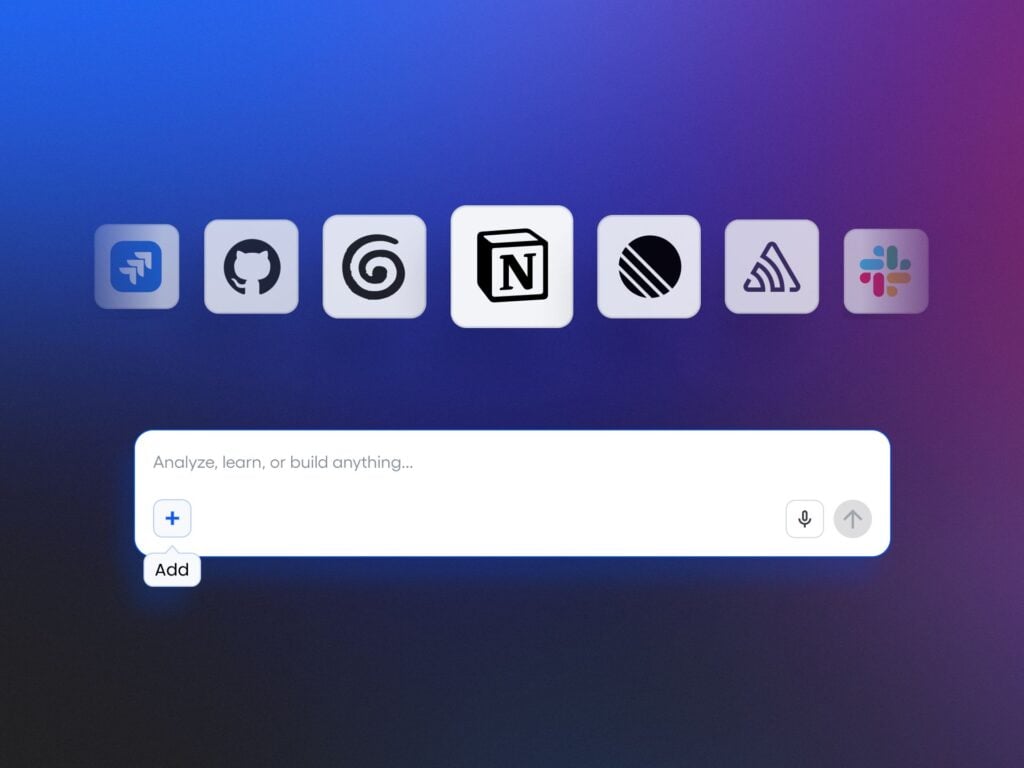
2) Register the server: in Claude, ChatGPT, or Cursor, add the MCP server with the provided URL and API key or token, then enable only the resources and tools your use case demands.
3) Validate the contract: prompt the agent to list available resources and describe tools; run harmless dry runs (e.g., “summarize top feature adoption trends last 30 days”) to confirm the interface behaves as expected.
4) Operationalize: standardize prompts for recurring analyses (QBRs vs OKRs, activation funnels, retention analysis), set guardrails, and log every interaction for audit. This is where prompt engineering meets governance.
5) Iterate with metrics: track answer quality, latency, and usage; expand scopes gradually and gate new tools behind human-in-the-loop until you reach reliable performance.
Once configured, I use the agent to surface weekly activation insights, identify outlier cohorts, and auto-draft product discovery notes with links back to Pendo reports. The result isn’t magic; it’s a disciplined AI product toolbox that brings the right context to the right question, fast.
If you’re starting from zero, pilot with one high-value question, one team, and one assistant. Keep the footprint small, measure outcomes, and then scale—with security, compliance, and stakeholder management baked in from day one. That’s how you turn MCP from an interesting protocol into a durable competitive advantage.
Inspired by this post on Pendo – Best Practices.




Leave a Reply