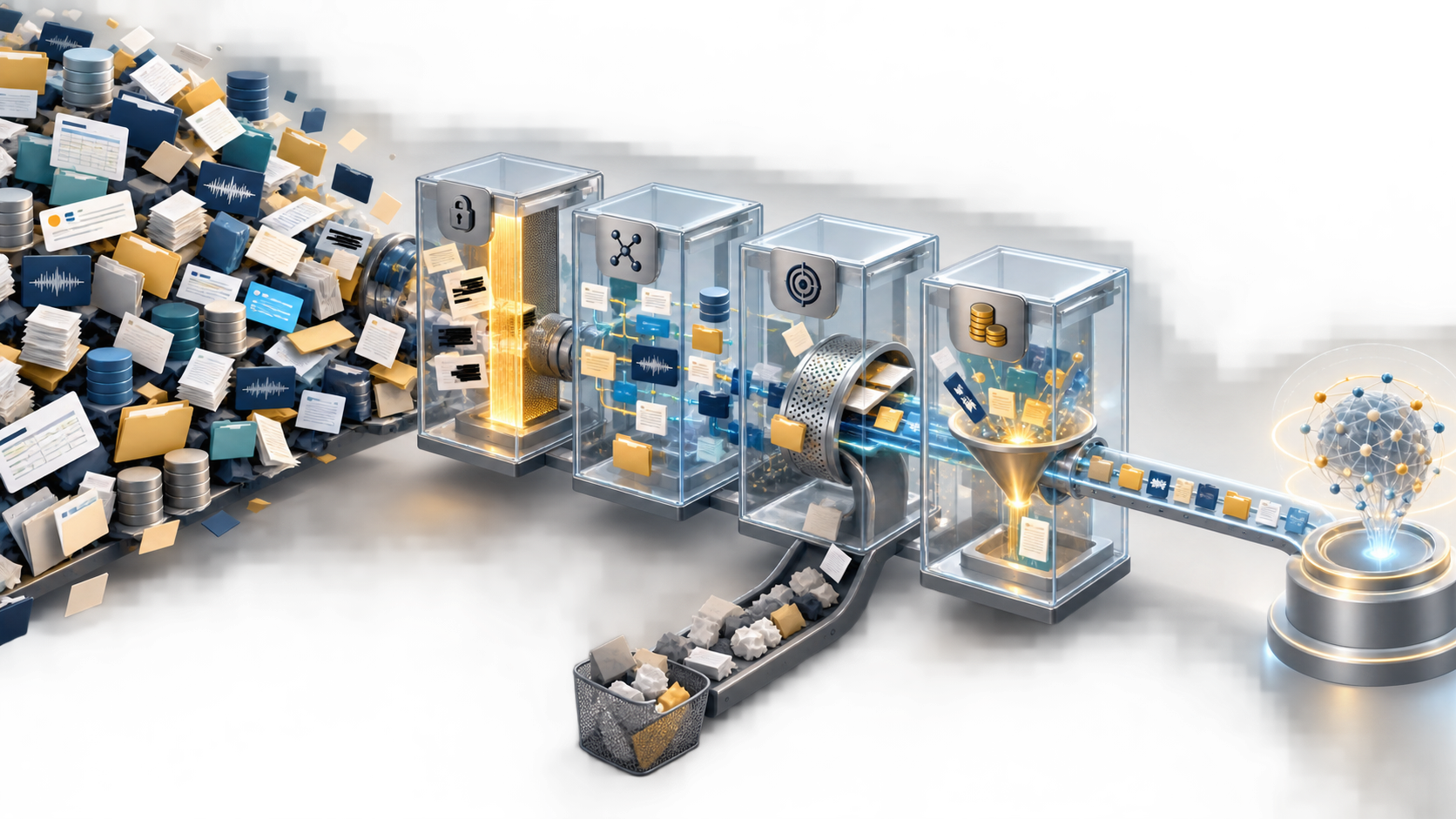
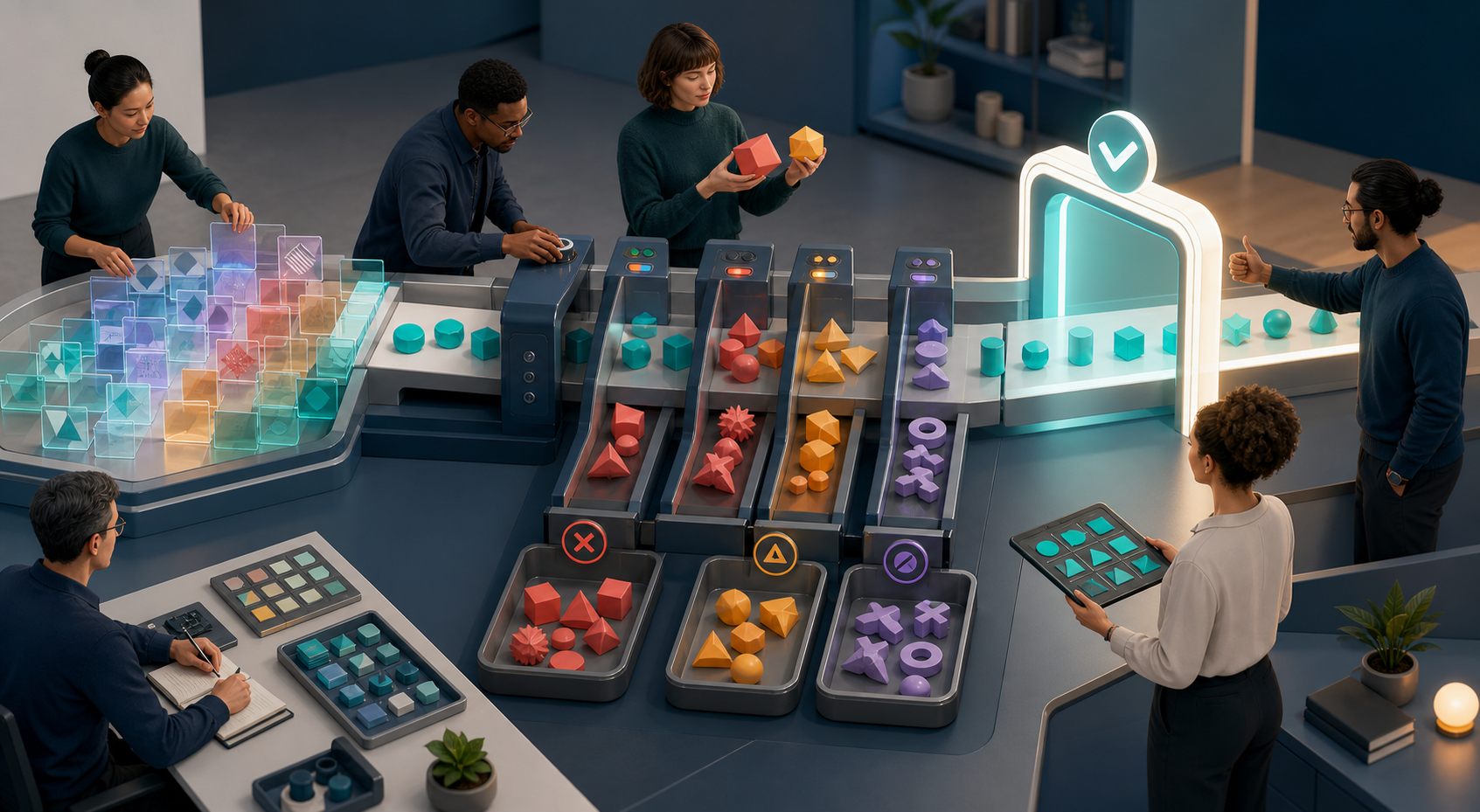
I’ve spent much of my career compressing the distance between a napkin sketch and something real customers can touch. At HighLevel, my product teams use generative AI to validate ideas faster, reduce risk earlier, and win stakeholder trust with evidence instead of slides. The goal isn’t to be flashy—it’s to be precise, testable, and repeatable.
Today, you can build it before you pitch it. AI prototyping can turn ideas into clickable demos in hours. Here are some tools to try and steps to follow.
I start every AI prototyping sprint by sharpening the problem statement and the outcome we care about. That means being explicit about the target user, jobs-to-be-done, and the riskiest assumptions. I define a minimum detectable effect (MDE) and tie it to outcomes vs output OKRs so everyone aligns on what “good” looks like before we touch a tool.
From there, I move from sketch to interface. I capture a rough flow (whiteboard, tablet, or even paper) and generate UI variations with my AI product toolbox—tools that translate structure into components and screens. I’ll iterate on information hierarchy and copy until the narrative supports the core job, borrowing techniques from UX writing. For product managers leaning into LLMs for product managers, this phase is about speed to feedback, not perfection.
Next, I wire data and logic. I connect a lightweight backend or spreadsheet, stitch in a CRM integration if needed, and add LLM calls through a ChatGPT connector or Claude Code. If the concept benefits from multi-step autonomy, I introduce agentic AI to orchestrate tasks across APIs. CustomGPT workflows help me encapsulate business rules so the demo behaves consistently in user paths we care about.
Governance is not optional at this stage. I apply privacy-by-design defaults, document data governance decisions, and run a quick AI risk management pass: input validation, prompt safety, rate limits, and fallback responses. This keeps the prototype credible and prevents false positives from polluting stakeholder perception.
With a click-through in hand, I instrument the experience so learning compounds. I drop in Amplitude analytics to track activation, task completion, and drop-off, and set up simple A/B testing when there’s a meaningful design or copy choice. This makes the prototype a learning vehicle, not just a demo.
Then I get it in front of users—fast. Five targeted conversations will beat fifty internal opinions. I run structured product discovery interviews, observe time-to-value, and capture objections. This is where empowered product teams shine: we make changes in real time, re-run the flow, and document what moves the needle for product-led growth.
When speed matters, I use a four-hour cadence: Hour 1 for problem framing and MDE; Hour 2 for sketch-to-UI generation; Hour 3 for data wiring and AI logic; Hour 4 for instrumentation and user walkthroughs. By the end, we have a clickable demo, preliminary analytics, and a clear decision on whether to advance, pivot, or park.
Finally, I translate insights into a concise artifact: the hypothesis we tested, the signal we observed, the trade-offs we made, and the next sprint plan for product roadmapping and sprint planning. The point is not to be right on the first try; it’s to learn precisely, cheaply, and quickly enough to invest with conviction.
If you adopt this approach, you’ll find that stakeholder management becomes easier, team energy rises, and your roadmap earns credibility. Build it before you pitch it, and let real interactions—not wishful thinking—do the heavy lifting.
Inspired by this post on Product School.