
AI overwhelm is real. Whether you’re a complete novice who isn’t sure where to begin or you’re deep into building AI features, it can feel like everyone else is light years ahead. The hype is loud, adoption is exploding, and it’s easy to assume you’re already behind. Take a breath—you have more time than the headlines suggest.
Here’s how I approach it: start with simple, low-stakes use cases you can do today. Then add a little complexity at a time. With each step, you’ll pick up a new capability—prompting, structuring context, decomposing tasks, and eventually automating workflows. Before long, you’ll be designing your own use cases and systems. And if you’re being asked to deliver AI products yesterday, the same skills will make you a more confident builder when it’s time to ship.
My journey from AI consumer to AI builder started with ChatGPT. I used it like a cleaner, faster search engine—and appreciated the lack of ads. Very quickly, my questions got more complex. I began using it for day-to-day problem-solving and task execution. Through experimentation, I learned how to give the right context, what worked and what didn’t, how to use persistent memory, and how to conduct deep research. That hands-on tinkering began to influence my roadmap. In my role leading product, those experiments sparked prototypes that translated directly into features and workflows we could ship.
You can follow the same path. Start small. Pick something tedious or annoying. Ask ChatGPT, Claude, or Gemini for help. When you have a prompt that works, try to automate it. If automation is new to you, tools like Zapier, Make, or n8n are a great starting point—and your company might already use them. You’ll make everyday life easier while building the exact skills that underpin modern AI product work: prompt engineering (giving the right context), task decomposition, and multi-step workflows.

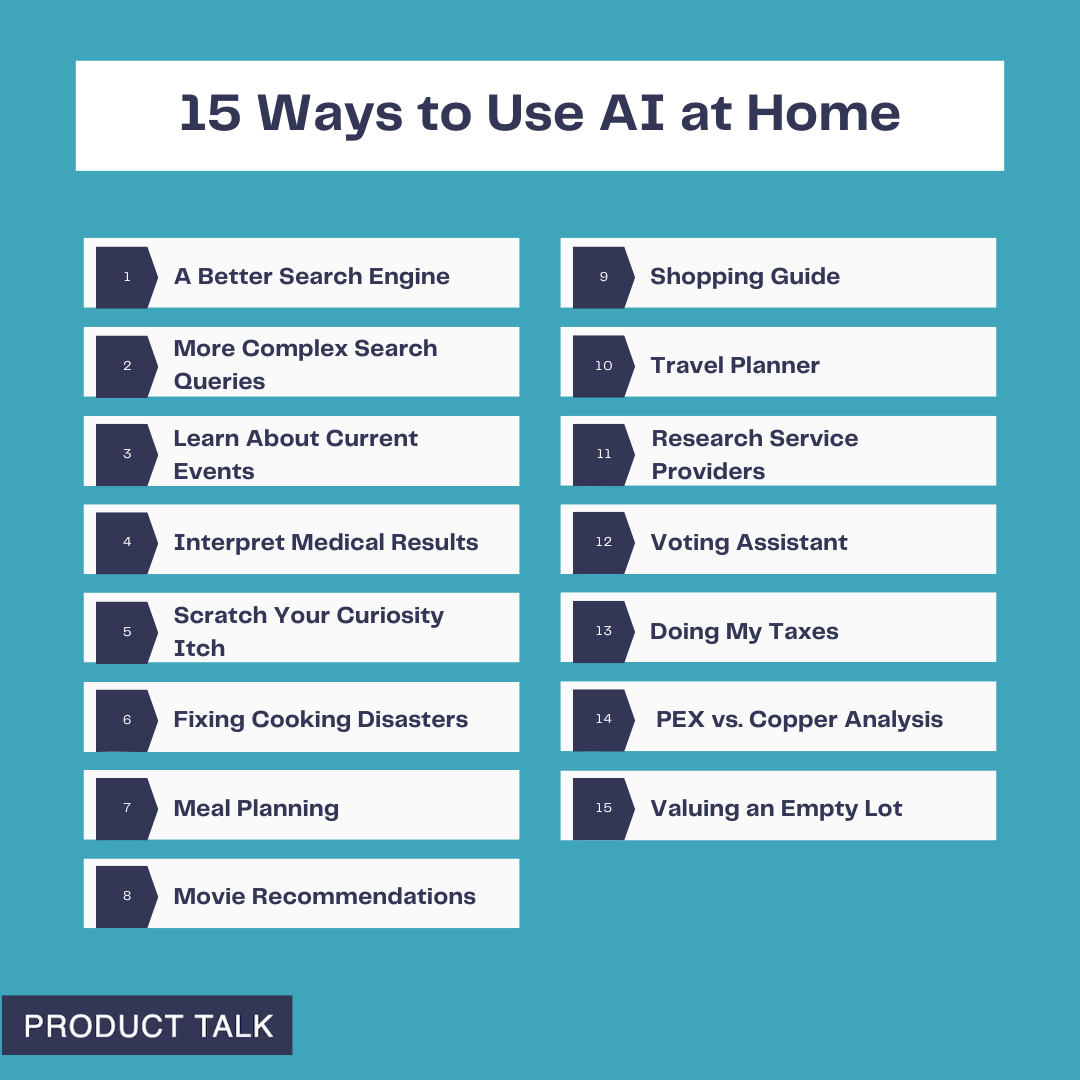
To help you get started, here are the personal use cases that built my AI muscles at home, ordered from simple to more advanced. I group them into three buckets: Curiosity and Information Gathering, Everyday Life, and Deep Research. Start at the top and move down as your confidence grows.
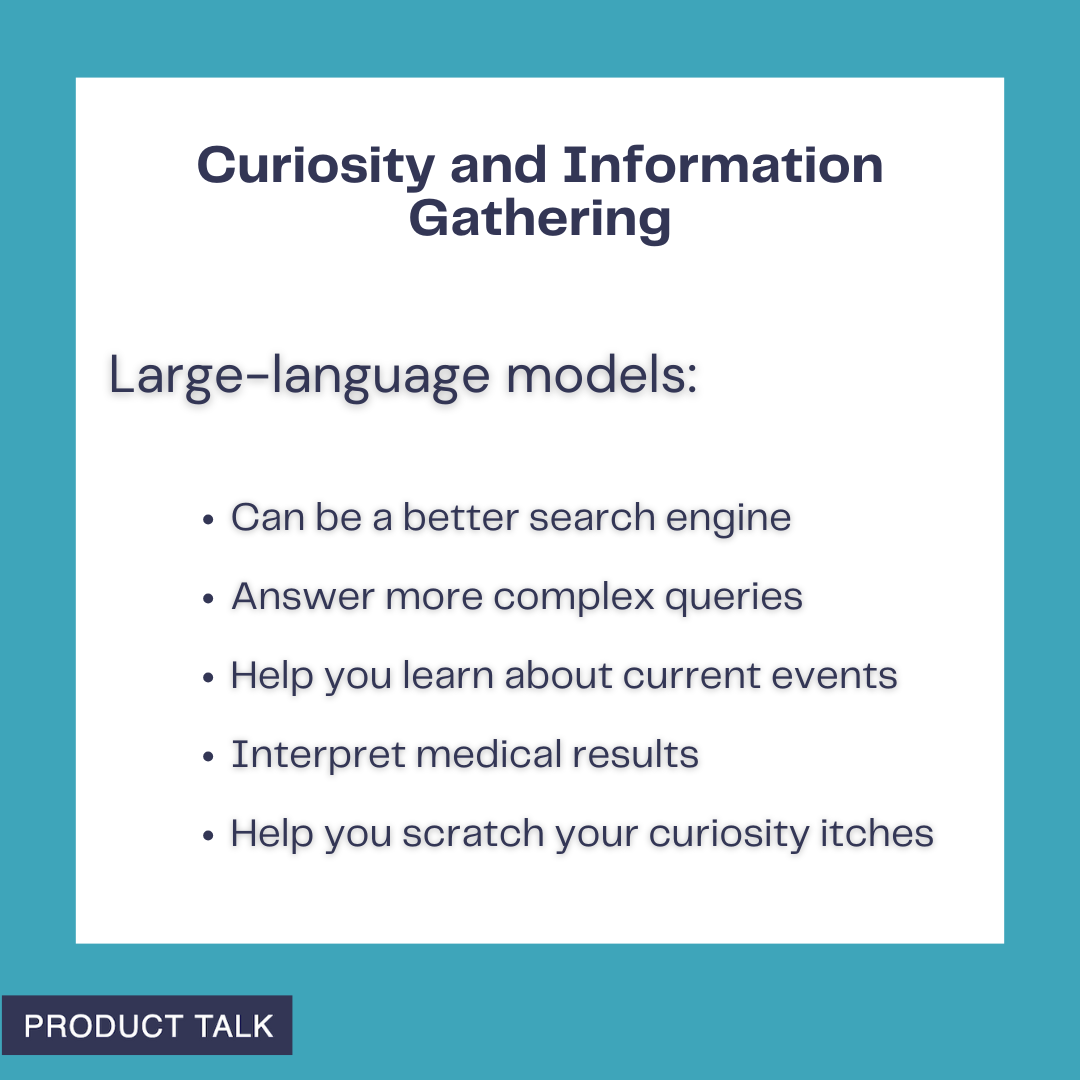
Curiosity and Information Gathering is where large language models really shine. They’ve been trained on large portions of the internet as well as thousands of books and other resources. Here’s how I put them to work.

1. A Better Search Engine. I rarely Google things anymore. I ask ChatGPT and get faster answers without the noise. I still use it for simple queries like: “Can my dog eat this?”, “Can I slow peaches from ripening if I put them in the fridge?”, “Does oatmeal go bad?”, “Can my dog be off-leash at Todd Lake?”, and “What’s a good coleslaw recipe that isn’t sweet or too mayonnaise-y?” If you’re brand-new to AI, this is the perfect on-ramp. You’ll get comfortable chatting with LLMs and quickly overcome the “What do I use this for?” hurdle.
2. More Complex Search Queries. The real power shows up when your question needs reasoning or synthesis. I recently wondered how many US Senators are over 75. Google returned lists of all 100 senators; I’d still have to count. ChatGPT gave me the answer immediately—there are 10 US Senators over the age of 75—listed each one, cited Axios, and offered another way to cross-check. That was more than good enough for my purpose and a great reminder of what LLMs can do better than search engines.
3. Learn About Current Events. When Hamas attacked Israel on October 7, 2023, I had a lot of questions—some I felt I should already know. I used ChatGPT to explore the region’s history, the etymology of “anti-Semitism,” and the context around Hamas, Hezbollah, and Jordan. It was empowering—and it also made me more vigilant about bias and hallucinations. I asked for sources, spent time on Wikipedia, and triangulated with trusted outlets. Now, I routinely use LLMs as a starting point to frame questions and then verify. You’ll learn to explore new topics while staying mindful of bias and accuracy.
4. Interpret Medical Results. Medicine is full of information asymmetry. I use LLMs to prepare for appointments so I can ask better questions. After an ankle surgery, I read my operative notes and saw a ligament repair described as “secondary.” I pasted the entire report into ChatGPT and asked for an explanation. I learned that a secondary repair indicates an old tear—not the current injury. I dug into common repair types and their trade-offs, which helped me have a more productive follow-up with my surgeon. When bloodwork flags an out-of-range value, I ask ChatGPT to explain potential implications. I once tested high for bilirubin; both ChatGPT and my doctor explained that I likely have Gilbert’s Syndrome—a benign genetic variant that explains easy bruising and isn’t a concern. I never use LLMs in place of seeing a qualified medical practitioner, but they’re excellent preparation tools.
5. Scratch Your Curiosity Itch. Once you’re comfortable, let LLMs become your curiosity engine. My husband dreams of building a trials course in our yard and wondered what size tractor could move a “4' x 2' x 2'” rock. ChatGPT asked about rock type, then reasoned: Central Oregon has basalt; basalt’s density is X; the estimated weight for a 4' x 2' x 2' basalt rock is Y; therefore, you need a tractor that can lift Z pounds; here are some models that meet your specs. We won’t be buying a tractor—but it was a fun, fast way to learn. Any time a question blends information and reasoning, an LLM can be a great copilot.
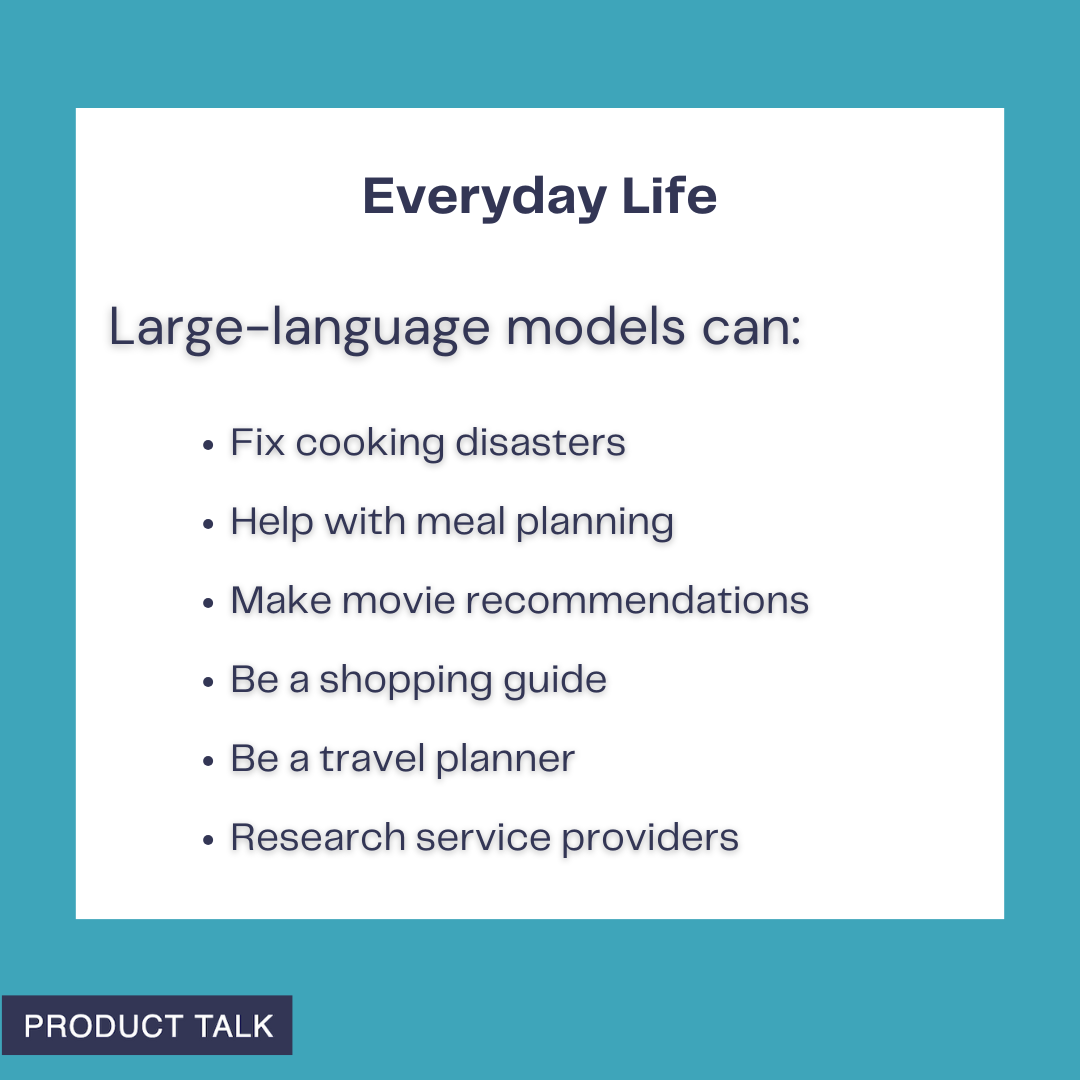
Everyday Life is where LLMs move from interesting to indispensable. I rely on them as all-purpose problem solvers.
6. Fixing Cooking Disasters. One night, I cooked rice with the wrong ratio—twice the water for half the rice—and ended up with a pot of soup. ChatGPT gave me three ways to salvage it. The first approach worked well enough to save dinner. I regularly ask for ingredient substitutions mid-recipe, fresh ideas for dinner, and tweaks to avoid dietary triggers. The more you throw at it, the faster you’ll learn what LLMs are great at (and where they stumble) and you’ll build the habit of turning to them first.
7. Meal Planning. I use ChatGPT to plan meals in a few ways: starting with what’s in the fridge, asking for a week’s worth of meals based on preferences, and, most often, requesting creative ideas when we’re bored with our rotation. The key is context. Allergies, likes and dislikes, what you’ve eaten lately, and any dietary framework all improve the suggestions. This is a perfect sandbox for practicing how to provide the right context to get high-quality output.
8. Movie Recommendations. The second hardest daily decision in my house—after dinner—is what to watch. We began with a ChatGPT thread where I listed our likes and dislikes with examples. It recommended a short list with synopses, we asked clarifying questions, picked a film, and enjoyed it. Over months, the recs got stale—ChatGPT started suggesting titles I had already rejected. That was my first brush with a context window limit. I moved to a Claude Project and added three documents: our preferences, movies we liked, and movies we didn’t. Recommendations improved dramatically. The hit rate is now much higher than the miss rate. The same setup works for TV, music, or books. Along the way, you’ll learn about context window limits, how examples improve quality (few-shot or n-shot prompting), using persistent state/memory, and iterative refinement.
9. Shopping Guide. Sometimes I outsource the whole decision; other times I use LLMs to structure criteria and compare options. I needed a new webcam without autofocus issues, explained my use cases (calls, webinars, talks, recorded video), and prioritized picture quality. ChatGPT suggested three options; I asked a few follow-ups, picked one, and was done in under ten minutes. In another case, we adopted a picky border collie/pit bull mix and wanted to level-up her food. We got overwhelmed between better kibble, fresh food, grain-free choices, and countless permutations. ChatGPT helped us define criteria, including several vet ratings that reflect nutritional balance and sustainability—both important to us. Then it generated a detailed comparison grid for top kibble and top fresh options. What felt impossible became tractable. You get to decide how much autonomy to give the LLM—pick for you, or inform your choice. Both add value.
10. Travel Planner. For the inaugural Product at Heart conference in Germany, we turned the trip into three weeks of exploring. Our shortlist included biking through wine country, visiting friends in Munich, spending time on Lake Constance, and, of course, Hamburg. I spent weeks researching and then realized I could ask ChatGPT; it compiled the core options in minutes. More recently, we needed a beachside, high-end resort near Del Mar and San Marcos for family visits, with active surf for my husband. After sifting through dated hotels, I was ready to give up. ChatGPT suggested the Alila Marea Beach Resort in Encinitas. The location was perfect, the resort delivered, the surf worked, and we booked with points. If you don’t provide context, you’ll get generic suggestions—so let the LLM interview you to surface your implicit preferences and constraints.
11. Research Service Providers. I procrastinate on chores like finding contractors. Selling our Portland townhouse forced my hand: I needed movers and someone to stretch and re-tack carpet, on a tight timeline. I asked ChatGPT for a short list of providers with strong reviews, reliable communication, and good punctuality. It then offered to draft an email—yes, please—which included questions I wouldn’t have thought of (“Do you use a power stretcher?” “Do you guarantee your work?”) and listed contact info for each. For movers, I needed a long-distance crew (three hours over a mountain pass) that could also move a hot tub. After striking out, I told ChatGPT what went wrong; it refined the search and found companies that specifically handle heavy items. I got quotes and booked the move. Having a coach that does the heavy lifting is a game-changer. If an LLM misses, tell it why and ask it to try again.
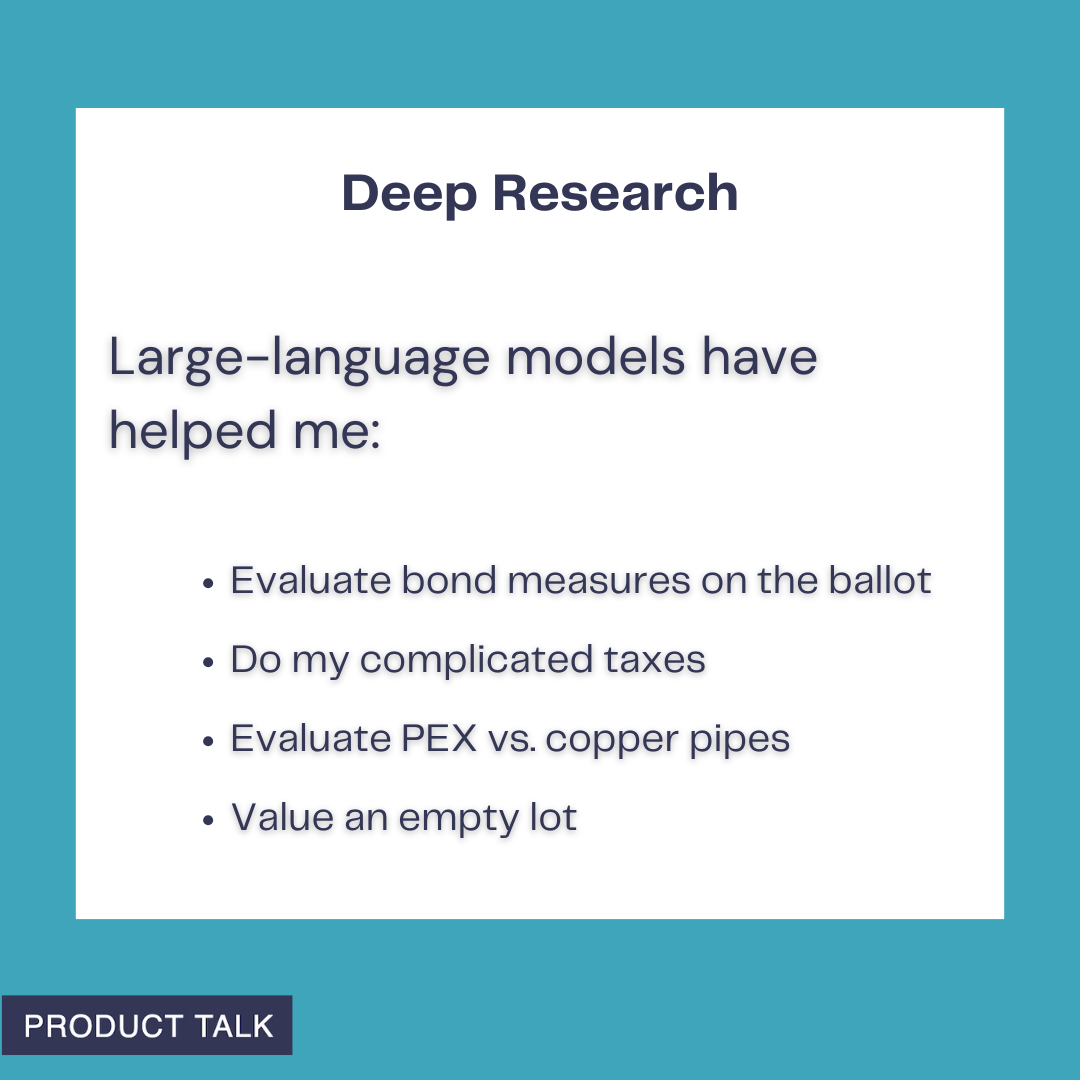
Deep Research is where LLMs become indispensable. These are the projects I wouldn’t tackle without one: being a more informed voter—including using an LLM to build a detailed model of my school district’s expenses to better evaluate a bond measure; filing both an S-corp return and a fairly complex personal tax return, and why I chose that route instead of continuing to work with my tax accountant; evaluating PEX vs. copper for a plumbing repipe when two well-respected plumbers argued opposite sides; and pricing an empty lot next door to evaluate whether it was a good purchase for us (later validated when the listing hit the market at the high end of ChatGPT’s range).
The meta-skill across all of these is partnering with LLMs: define the job to be done, supply crisp context, iterate, verify with sources when needed, and automate when a workflow stabilizes. Do that, and by the time you’re ready to build your first AI product, your toolbox will already be half full.
Inspired by this post on Product Talk.









Leave a Reply