Tag: prompt engineering for voice

  • A Game-Changing Leap in Voice AI: Fin Voice 2, Apex Flash, and a Live Demo You Can Trust

    A Game-Changing Leap in Voice AI: Fin Voice 2, Apex Flash, and a Live Demo You Can Trust

    In competitive markets, I see two options: try to win the game competitors set, or choose to play a different game. In the "Customer Agents" category, I’ve watched too many glossy, fabricated demos—especially around voice—mask the real challenges. Voice is just extremely hard. We all know the future of customer experiences will be Agent-driven voice, yet most of us haven’t actually spoken with a modern AI Agent when calling a business because the tech hasn’t been truly ready in the wild. Today, the bar moves.

    What changed? There’s a live, public demo of cutting-edge voice tech you can stress test yourself—no smoke, no mirrors. I recommend taking it for a spin: https://fin.ai/voice. It’s fast, natural, and, yes, very, very good.

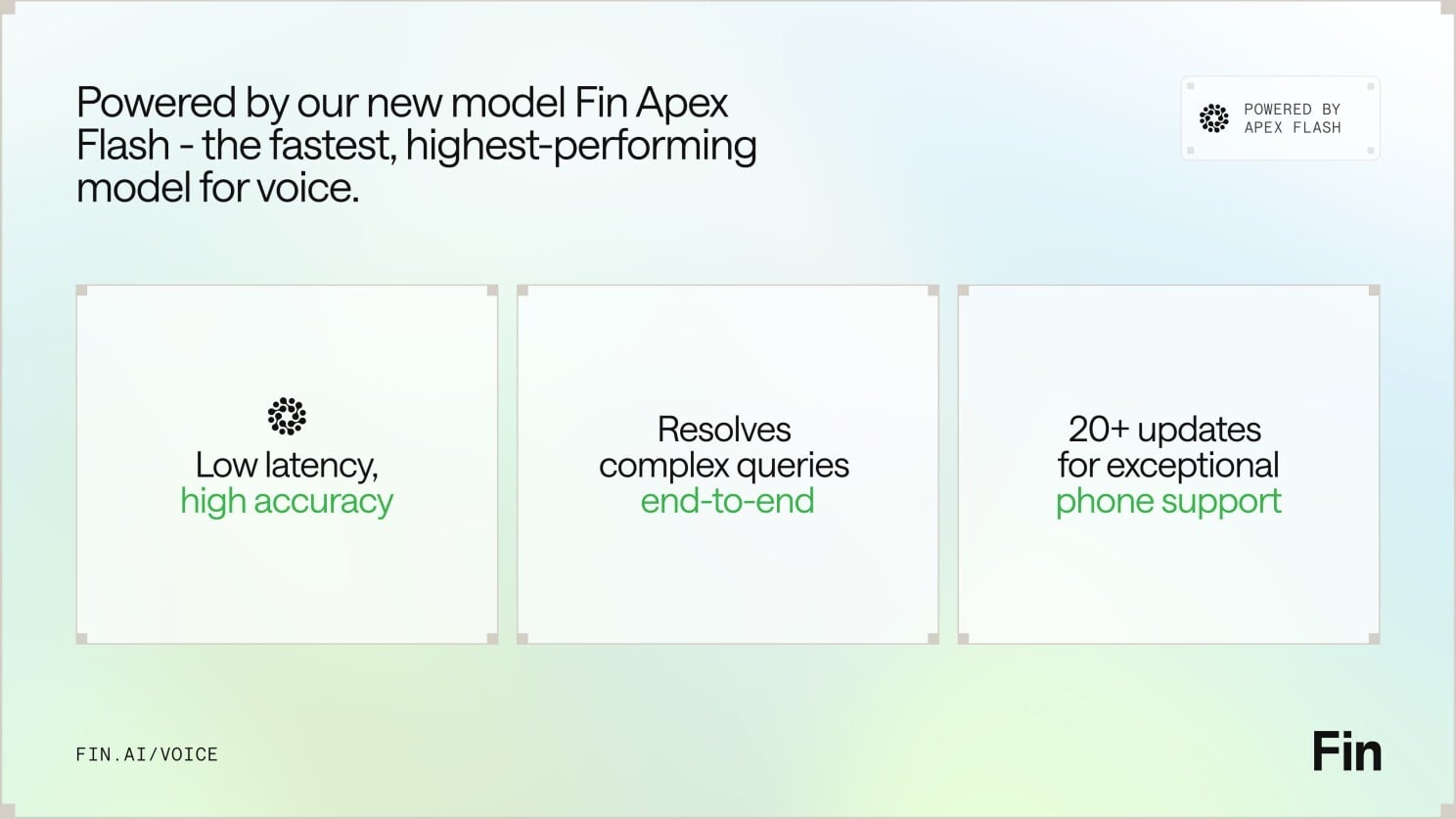
    For context, yesterday brought Apex Flash, their newest and fastest model, built for the unique demands of low latency channels like voice. Today comes Fin Voice 2, a major upgrade to Fin Voice with over 20 new features, and the first product built on Apex Flash.

    Here are the three things that stood out to me—and why they matter for customer support AI strategy and product strategy.

    First — thanks to Apex Flash, Fin Voice 2 is now the fastest, most natural Agent for phone, with higher resolution rates and customer satisfaction scores than ever before. Apex Flash is trained on millions of customer experience interactions, fine tuned for customer service, and can be configured to understand all your knowledge and follow all your policies. The result is higher resolution at significantly lower latency—the best of both worlds for voice AI agent performance.

    Speed and naturalness here aren’t accidental. Most voice AI products are slow because they convert speech to text, send it to a general model, get a text answer, and then convert it back to speech. Fin Voice 2 was designed to work differently, separating the real time layer that handles speech processing, and the layer that generates answers. That architecture is purpose-built for the demands of customer service on voice.

    Slide for Fin Voice 2, powered by Apex Flash, showing it beats Voice 1: +24.5% average resolution, +8.4% guidance following, +1.3% CSAT, -19.2% time to first audio, -37.6% semantic search latency.
    Powered by Apex Flash, Fin Voice 2 raises the bar on quality and speed—boosting resolution rates and guidance following while cutting time to first audio and semantic search latency, with a lift in CSAT too.

    Second — Fin Voice 2 can handle complex queries end to end: taking actions in external systems, verifying callers’ identities, processing refunds, booking appointments, and more. Phone is a high-stakes channel, and Fin adapts to customers across emotional states, clarifies when needed, and confirms key details before taking action. Most of the time, Fin can resolve the query in full, and when it can’t, it seamlessly hands off to the human team, maintaining full customer context and history. You also get multiple improvements to call quality, plus proactive outbound calls to follow up on unresolved issues—all orchestrated by robust AI workflows.

    Third — Fin Voice 2 gives you total control with industry-leading tools to configure and manage how Fin behaves. You get rich, detailed insights into call behavior and quality, the most common topics of calls, and one-click recommendations to improve. As with everything in Fin, you can fully self-serve and then manage it all with ease, without requiring professional services. Many vendors only let you set up their voice agent under supervision; with Fin, you get everything you need to iterate fast.

    If you haven’t tried the demo yet, go check it out: https://fin.ai/voice. If you prefer to wait, don’t be surprised when you end up speaking with it at a favorite brand soon.

    From a product management lens, this is what matters: latency is a feature customers feel; transparency builds trust in enterprise AI; and control is non-negotiable for CX leaders. The combination of a purpose-built, agentic AI architecture, measurable gains in resolution and CSAT, and true self-serve configuration signals that voice is moving from prototype theater to production reality. That’s the different game I want our industry to play.


    Inspired by this post on The Intercom Blog.


    Book a consult png image
  • From Brain Dump to Done: How Todoist’s Ramble Captures Tasks in Real Time with AI

    From Brain Dump to Done: How Todoist’s Ramble Captures Tasks in Real Time with AI

    Turning a rambling stream of consciousness into a clean task list while someone is still talking has been a longtime product dream of mine. With Ramble, Todoist brought that dream to life by using live audio AI to capture tasks in real time—no transcription step required. The result is a voice-to-task flow that feels natural, fast, and surprisingly disciplined.

    As I listened to the Doist team—Ernesto Garcia (Front-end Product Engineer), Thomas Jost (Backend Software Engineer), and Hugo Fauquenoi (Product Manager)—walk through their approach, I heard a blueprint for building pragmatic GenAI features. What began as a two-to-three month AI exploration became one of their most technically deliberate releases: a “Gemini-powered pipeline that makes tool calls while the user is still speaking, surfacing tasks on screen in real time without any text output from the model.”

    The breakthrough started with user research. People weren’t merely dictating tasks; they were doing a “brain dump” first—often into pen and paper or even ChatGPT voice—and only then committing items to Todoist. Meeting users where they already are reframed the problem: don’t force structure upfront; capture fluid thought and translate it into actionable tasks instantly.

    That insight led to a bold architectural choice: skip transcription entirely and process raw audio directly with a Gemini live audio model. By removing the brittle middleman of text, the team reduced latency and kept the model focused on one job—turning intent into structured actions. It’s a crisp example of AI workflows designed for reliability over novelty.

    The real magic is in the real-time “tool calls.” As the user speaks, the model triggers add task, edit task, and delete task operations immediately. For high-friction contexts like driving, they paired visual task cards with subtle sound effects as confirmation cues. It’s thoughtful conversation design that respects attention and safety without sacrificing speed.

    Teaching the model to capture tasks literally—without over-interpreting or trying to complete the work—required careful prompt engineering for voice and temperature tuning. Drawing a bright line between “capture versus do” kept the experience trustworthy. In my own AI Strategy work, I’ve found that establishing explicit agentic guardrails early prevents unintended autonomy later.

    Dates were the sleeper challenge. The team had to inject the current date, normalize to days vs. months, and always output dates in English for the natural language parser—while preserving the user’s original language for everything else. If you’ve ever shipped date handling across locales, you’ll appreciate how many edge cases hide in “Taming Dates and Time.”

    Quality didn’t hinge on intuition alone. They built an LLM-judge eval system using real employee recordings from 100+ people across 35 countries in 20+ languages to catch prompt regressions. That’s eval-driven development done right: representative data, repeatable scoring, and tight feedback loops as models and prompts evolve.

    For project and label matching, they chose direct context injection over RAG. Instead of building a retrieval pipeline, they injected the full project/label list into the system prompt. With smart context window management and a sharply constrained task schema, this was both simpler and more accurate. Sometimes the fastest path to product-market fit is removing moving parts, not adding them.

    One product principle stood out: easy correction beats perfect first-time accuracy. Natural language interfaces earn trust when users can fix misfires in a tap or two. That bias toward quick recovery over false precision is how you ship AI that feels useful from day one.

    Looking ahead, the roadmap is compelling: multimodal task capture from images and text blobs, Apple Watch support, and automation integrations. As voice AI agent patterns mature, this “tool-only architecture” sets a solid foundation for going from capture to coordinated execution—without losing the simplicity that makes Ramble shine.

    If you want to hear the full conversation, you can listen on Spotify or Apple Podcasts. It’s a masterclass in building focused GenAI features that trade cleverness for clarity—and still delight.

    Resources & Links: Todoist • Doist • Google Vertex AI (Gemini)


    Inspired by this post on Product Talk.


    Book a consult png image
  • February Fin Breakthroughs: Master complex workflows, natural voice, 2-minute Shopify, smarter ops

    February Fin Breakthroughs: Master complex workflows, natural voice, 2-minute Shopify, smarter ops

    Every update we shipped this month removed a specific constraint on what teams can do with Fin. In my world, the demo-to-production gap shows up as complexity, control, and confidence. Can the agent handle the query that actually matters? Will it sound right on a call? Can the team deploy it without filing an engineering ticket? Can managers understand what it’s doing? That’s the bar I hold us to.

    This month, we delivered answers to all four. Here’s how.

    Procedures and Simulations (0:51). The hardest problem in AI-powered customer service isn’t answering FAQs—it’s executing complex queries with real business logic and real consequences if anything goes wrong. Think billing refunds, multi-step flows, and actions that must be right the first time.

    We made it dramatically easier to build and manage Fin for those complex queries—without pulling in an engineer. You can author in natural language, test every step in simulation, and deploy with confidence.

    The workflow starts with AI drafting the procedure from your existing source material. You edit in natural language, with structured hooks to pull in live data, apply business logic, and add code for deterministic control where you need it. That’s how you handle multi-step flows with the precision that matters when things go wrong.

    Simulations are the test environment. Define a test case, pass in the data Fin would receive in a real conversation, and watch it work through each step. You see what Fin is doing, why, and whether it’s meeting the criteria you set. Full transparency at every point. I’ve run these end-to-end myself, and there’s a particular confidence that comes from watching it work before it goes anywhere near a customer.

    Two colleagues in a studio sit at a wooden table with laptops during a Fin Product Updates discussion; an overlaid quote highlights selling and supporting customers in under two minutes.
    A conversational moment from the February Fin Product Updates recap: two teammates trade insights with laptops open, while a bold pull-quote drives home the promise—Fin removes complexity to start selling and supporting in under two minutes.

    For a deeper look at Procedures and Simulations, head to fin.ai/procedures.

    Fin Voice: three major updates. When something’s off in chat, it can take a few exchanges to notice; on a call, it’s immediate. Pronunciation, noise handling, and tone all matter because they’re the customer’s first impression.

    Pronunciation rules (4:18). Fin has high out-of-the-box pronunciation accuracy, but it doesn’t know your brand—your product names, your industry terminology, the way your company uses certain words. Alihan Zinna, Staff ML Scientist, showed this with an IKEA example: without pronunciation rules, Fin mispronounced both “IKEA” and a product name; after adding rules, both were corrected and sounded natural.

    New natural voices (5:48). We’ve added 11 new voices tuned to a range of brand tones so you can choose one that sounds like it truly belongs to your company—not a generic AI assistant.

    Background noise reduction (6:28). People call from airports, shops, and busy offices. Fin now monitors background noise continuously and increases noise reduction when the environment demands it. No configuration needed. As Alihan put it, “This is one of those things customers really notice when it’s not working. The goal was to make it invisible. That’s what we built.”

    Video still of a presenter beside a laptop and the Fin Call Metrics dashboard, showing tiles for hold times, missed and declined call counts, outbound dialing time, and a monthly stacked bar chart.
    Catch up on February’s Fin Product Updates with a walkthrough of the Call Metrics dashboard—saved filters, hold‑time tiles, missed and declined call counts, and a monthly breakdown that helps support teams act faster.

    Shopify setup experience (8:21). Fin began as a Service Agent and is quickly becoming a Customer Agent—working across the whole lifecycle to support, sell, and guide, even before a customer has an issue. The revamped Shopify setup is a clear step forward.

    Shopify catalogs are complex—thousands of products, variants, and dynamic inventory—and connecting all of that to an agent has historically been painful. We removed the friction.

    Setup now takes three steps: first, connect your store. Second, install the Messenger directly in Shopify—no code, just a few clicks. Third, deploy Fin. Total time: under two minutes. We timed it live.

    What that unlocks is real. In the demo, a first-time snowboarder asked for recommendations. Fin searched the catalog, reasoned about attributes that matter to a beginner (there’s no “beginner” tag in the catalog), personalized suggestions by height and weight, and added a board to the cart.

    Even better, one customer updated their website copy to promote a sale. Fin immediately picked up the new context and began recommending sale items, nudging shoppers to add more to the cart to access a discount—no extra configuration required. It read the situation and acted.

    Presenter explains Fin's Holiday Office Hours feature beside a laptop, with a UI screen showing office hours, reply times, and holiday closures settings for customer support teams.
    See how the latest Fin update streamlines support scheduling. A product expert walks through Holiday Office Hours, showing how to set default hours, track response metrics, and add closures so teams stay consistent.

    Three steps, and you have a real-time shopping assistant that knows your store and sells on your behalf.

    Helpdesk improvements (12:31). Fin works with any helpdesk, but many teams consolidate to take advantage of our native Intercom helpdesk integration. We’ve shipped 19 helpdesk improvements in 2026 so far; two from this month stand out.

    11 new call metrics. Hold time, outbound dial time, missed and declined calls, call terminating party, and more. These give leaders the visibility to analyze workload distribution and call handling quality in detail.

    Holiday office hours. Teams no longer need to manually update office hours for every public holiday. This was the most upvoted request in our community, and we shipped it.

    Across the board, we removed the constraints that hold teams back: the complexity ceiling in automation, the quality ceiling in voice, the setup barrier in Shopify, and the operational overhead in the helpdesk.

    We closed out the month with a Star Wars–style crawl of 22 additional updates. All features mentioned here are live and available now. Explore more at fin.ai/updates. More to come—see you next month.


    Inspired by this post on The Intercom Blog.


    Book a consult png image
  • From No-Code Hack to 10,000 Weekly Calls: Inside Perk’s Voice AI That Actually Works

    From No-Code Hack to 10,000 Weekly Calls: Inside Perk’s Voice AI That Actually Works

    I love real-world AI that ships, scales, and actually solves painful customer problems. This story checks every box. As a product leader who has brought agentic AI to production environments, I was captivated by how a small, focused team at Perk took a no-code voice AI prototype and turned it into a system that reliably makes 10,000+ calls per week to prevent failed hotel payments.

    What happens when you combine a real customer problem, a no-code prototype, and a team willing to listen to every single call?

    Steven Payne (Product Manager), Gabriel Stock (Senior Engineering Manager), and Philipe Steiff (Senior Software Engineer) from Perk share how they built a voice AI agent that calls hotels to verify virtual credit card payments, preventing travelers from arriving to find their rooms unpaid. This is a textbook example of linking operational pain to a high-leverage AI solution.

    What started as a hackathon experiment in Make.com became a production system handling over 10,000 calls per week across multiple languages. Along the way, the team learned hard lessons about prompt engineering for voice (numbers, pronunciation, and a very "Karen-like" first version), how to break a single monolithic prompt into structured conversation stages, and why listening to actual calls beats any amount of theorizing.

    From a product management perspective, this approach aligns perfectly with eval-driven development and continuous discovery. Structure the problem, instrument aggressively, ship safely, then listen—deeply—to real interactions. In my own teams, I’ve seen that nothing accelerates iteration on agentic AI like closing the loop between qualitative call reviews and quantitative evals.

    They built a working prototype without writing a single line of backend code.

    They structured the call into discrete stages (IVR, booking confirmation, payment) to improve reliability.

    They created two eval systems: one for call success classification, another for conversational behavior.

    They scaled from five calls a day to tens of thousands per week while maintaining quality.

    This is a detailed look at building AI for real-time human interaction—where the stakes are high and the feedback is immediate.

    Guests: Steven Payne, Product Manager, Perk; Gabriel Stock, Senior Engineering Manager, Perk; Philipe Steiff, Senior Software Engineer, Perk.

    What stood out to me was how Perk's team identified an AI use case by connecting prior experimentation with a real operational problem. Why they chose Make.com for prototyping—and shipped to production without touching backend code—underscores how far no-code can take you when paired with crisp problem framing. The evolution from a single prompt to structured conversation stages (IVR handling, booking confirmation, payment request) is exactly how you harden agent behavior for production.

    Breaking up the agent's task dramatically improved reliability. They also built two eval systems: classification for success rates and LLM-as-judge for conversational behavior. Even with automation, the team still listens to calls manually—a practice I strongly endorse for uncovering edge cases, trust issues, and UX nuances that dashboards can’t show.

    The challenge of prompt engineering for voice—numbers, booking references, and text-to-speech markup—was non-trivial. Expanding to German revealed that prompts in native language improve results. And, as often happens with operations-heavy rollouts, this project uncovered other operational problems they didn't know existed—valuable signal for the roadmap.

    Resources & Links: Perk. Make.com — No-code automation platform used for the prototype. Twilio — Voice/telephony provider. Eleven Labs — Text-to-speech provider (used in early experiments).

    Chapters: 00:00 Introduction to the Team; 01:54 Understanding PERK's Mission; 02:59 Challenges in Travel Booking; 07:27 AI Solutions for Customer Care; 09:52 Prototyping with AI and Voice; 17:00 Implementing AI in Production; 25:51 Learning Through Trial and Error; 26:40 Prompting Challenges and Solutions; 27:58 Iterating on Prompts and Evaluations; 30:08 Scaling and Production Challenges; 32:43 Advanced Evaluation Techniques; 35:32 Real-World Applications and Success; 49:07 Future Directions and Expansion; 53:53 Conclusion and Team Reflections.

    My product takeaways: Start with clear operational pain and measurable outcomes (e.g., payment verification). Use no-code to validate quickly, then progressively harden. Treat voice AI like any production system: break it into deterministic stages, add guardrails, and measure both outcome and behavior. Pair automated evals with hands-on reviews. And when going multilingual, write prompts in the native language—your accuracy will thank you.

    If you’re exploring agentic AI for operations, this is the blueprint: tight scoping, Make.com for speed, Twilio for reliability, structured prompts for control, and an eval-driven loop to scale quality with confidence.


    Inspired by this post on Product Talk.


    Book a consult png image