Tag: docs-as-code

  • The Counterintuitive Playbook for CLI Agents: Why Ruthless Subtraction Beats Feature Creep

    The Counterintuitive Playbook for CLI Agents: Why Ruthless Subtraction Beats Feature Creep

    I’ve learned the hard way that the fastest path to a reliable command-line agent is radical subtraction. "In the last month of developing Amplitude Wizard CLI, we cut more than we added. Learn less is more when it comes to building CLI agents." That decision was less about minimalism and more about product strategy: constraints sharpen behavior, clarify intent, and raise trust.

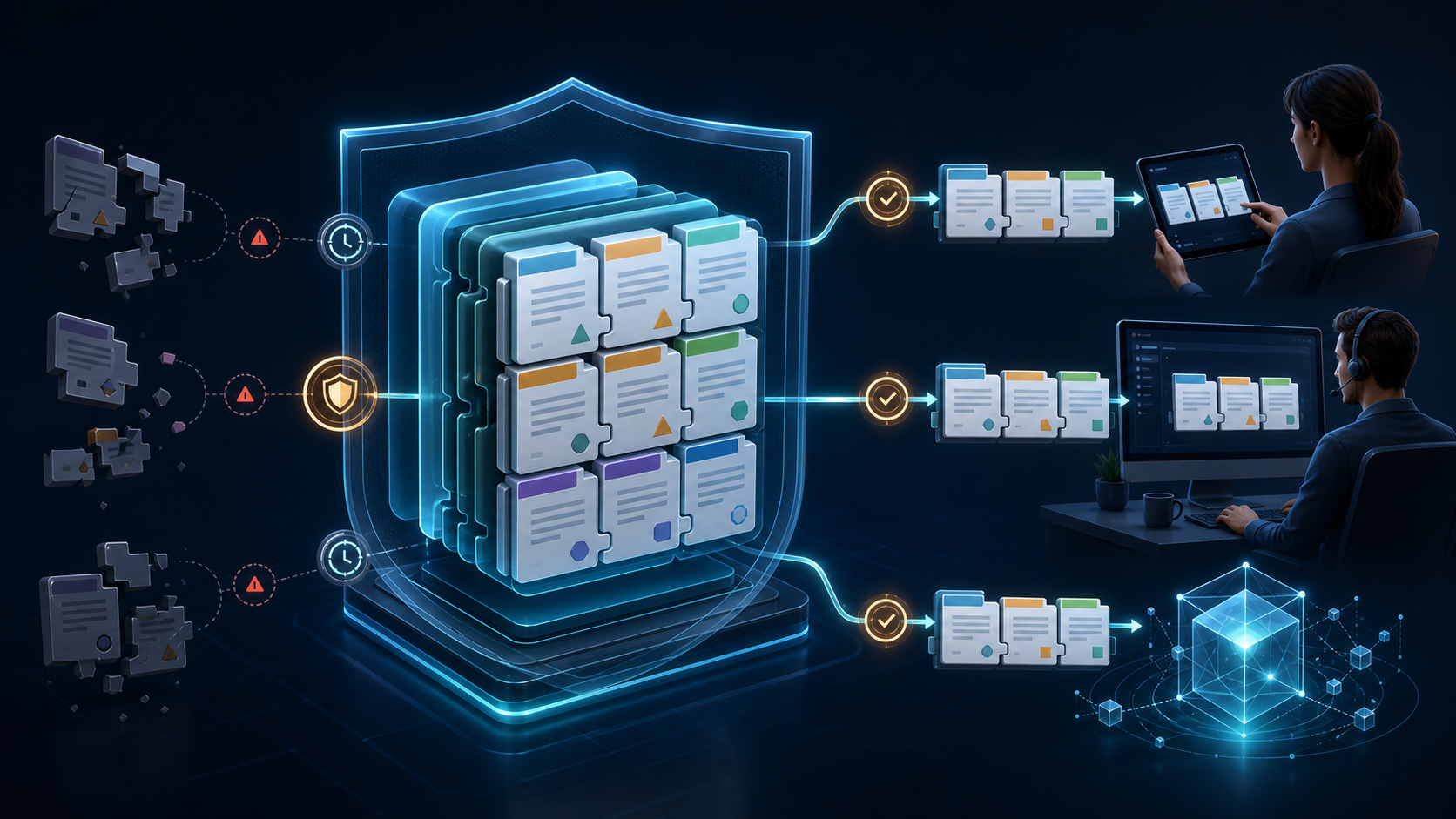
    When I evaluate agentic AI systems, especially those that act on developer environments, I start by asking what the agent must never do. By establishing hard guardrails first, the design naturally converges on an opinionated, safe, and teachable interface. Every additional flag, tool, or permission expands the blast radius; every removal shortens the path to first success.

    For CLI agents, the most valuable product choice is a narrow toolset with sane defaults. Opinionated workflows reduce cognitive load and failure modes, while clear human override points keep users in control. I prefer a bias toward idempotent actions, reversible changes, and explicit confirmation gates for anything destructive. If a feature can’t explain itself in a single, crisp sentence in the help text, it likely doesn’t belong.

    Security and reliability flow from limits. Progressive permissioning, scoped credentials, and time-bounded tokens prevent the agent from wandering. Dry-run modes build confidence without side effects. When a user can reason about what the agent will and won’t do, adoption accelerates—and support tickets plummet.

    Observability is the other half of trust. I instrument "Agent Analytics" across every run: inputs, tool choices, durations, outcomes, and error patterns. Those signals reveal where the agent gets confused, which steps users abandon, and which prompts need pruning. With that loop in place, "less is more" stops being a philosophy and becomes an evidence-backed operating model.

    I anchor the roadmap in eval-driven development. Before adding a capability, I define a measurable task, a success threshold, and the smallest viable interface to reach it. If the capability can’t lift completion rate, time-to-first-success, or re-run stability, it waits. That simple discipline protects the experience from feature creep and preserves velocity in CI/CD.

    Under the hood, I design for a retrieval-first pipeline and careful context window management. The agent should fetch only the minimally relevant facts, present a compact plan, and execute predictably. Thoughtful prompt engineering helps—but prompts are not a substitute for clear boundaries, deterministic tool contracts, and robust error handling.

    Documentation is product. I maintain docs-as-code with runnable examples that mirror the golden paths. When the docs and the CLI disagree, the CLI changes—never the docs. This creates an internal forcing function: if we can’t document it simply, we probably shouldn’t ship it.

    My litmus test for any proposed addition is simple: does this make the mental model smaller? If not, cut it, make it progressive, or hide it behind a clearly named subcommand. Defaults should be boring, safe, and fast. Advanced power should be opt-in and discoverable without overwhelming new users.

    The paradox of agentic AI is that capability grows as surface area shrinks. By removing distractions, we amplify signal, increase repeatability, and earn the right to add the next carefully chosen step. The result is a CLI agent that feels sharp, dependable, and—most importantly—useful on day one.


    Inspired by this post on Amplitude – Perspectives.


    Book a consult png image
  • Unlock Instant Product Analytics with Amplitude Wizard CLI—One Command, Zero Friction

    Unlock Instant Product Analytics with Amplitude Wizard CLI—One Command, Zero Friction

    I’ve long believed that the fastest path to high-quality product decisions is eliminating friction between code and insight. That’s why the Amplitude Wizard CLI immediately grabbed my attention: it streamlines setup right where work happens—inside the codebase—so teams can start learning from real user behavior sooner.

    Read about the new easiest way to set up Amplitude, the Wizard CLI: a one-command path to a fully instrumented Amplitude project, without leaving your terminal.

    In practice, setting up analytics from the codebase means instrumentation travels with your source control, peer reviews, and CI/CD checks. This “docs-as-code” approach improves accuracy, preserves intent through pull requests, and keeps event definitions auditable over time. The result is cleaner behavioral analytics and fewer production surprises.

    Developers benefit from staying in the terminal—no context switching, no brittle copy-paste steps. The workflow plugs into CI/CD, scales across environments, and supports observability from day one. For onboarding new engineers, a single command lowers cognitive load and standardizes how events are captured and named, which reduces drift as teams grow.

    For product leaders, the payoff is speed and confidence. With Amplitude analytics instrumented in minutes, we can analyze behavioral analytics sooner, validate activation and retention hypotheses, and accelerate product-led growth. Because the setup aligns to a unified analytics platform, insights flow consistently across teams, and decisions reach parity with how quickly we ship.

    My recommended rollout is simple: start in a feature branch, run the Wizard CLI, review the generated changes in a PR, and align naming with your event taxonomy. Gate merges with lightweight review from analytics owners, then promote via CI/CD. This keeps quality high without slowing delivery—and it makes the analytics layer as versionable and testable as the application itself.

    If you’re aiming to cut time-to-first-insight, reduce setup risk, and empower engineers to own analytics instrumentation, the Wizard CLI is a pragmatic upgrade. One command, clear governance, and measurable impact on how quickly your team learns—exactly what effective product management demands.


    Inspired by this post on Amplitude – Best Practices.


    Book a consult png image
  • How I Structure Documentation for AI and Humans: Battle‑Tested, SEO‑Smart Tactics That Scale

    How I Structure Documentation for AI and Humans: Battle‑Tested, SEO‑Smart Tactics That Scale

    Every week, I coach product and documentation teams on a simple truth I keep pinned above my desk: "AI is reading your documentation! Learn tips from the Amplitude docs team about how to structure your documentation for both human and AI audiences." That line captures the shift we’re all living through—our docs must now serve customers, support engineers, and increasingly, LLMs powering chat, search, and in‑product help.

    My AI strategy for documentation starts with intent. I map the core questions users ask at activation, onboarding, escalation, and renewal, then shape information architecture to reduce ambiguity. This helps humans find answers faster and helps LLMs retrieve the right chunks with higher precision—a win for UX writing, product-led growth, and support deflection.

    Structure beats style when AI is in the loop. I rely on semantic headings (H1–H3), consistent slugs, stable anchors, and one‑topic pages that can stand alone. Short paragraphs, scannable summaries, and canonical references reduce duplication and improve retrieval quality. Treat docs-as-code with CI/CD so changes are reviewed, versioned, and shipped reliably—documentation deserves the same rigor as product releases.

    Chunking matters for LLMs. I design content for context window management: one concept per section, tight procedures with numbered steps, and FAQs that mirror real queries. Glossaries define canonical terms and accepted synonyms so retrieval-first pipelines match user language without fragmenting meaning. Error messages and parameter names appear verbatim to strengthen search and grounding.

    Metadata is a multiplier. I add clear titles, descriptions, last‑updated dates, product area tags, and audience labels (admin, developer, analyst) to boost SEO and machine readability. Stable IDs for components, examples, and API objects improve deep linking and evaluation. Where appropriate, I include structured examples that align with prompt engineering best practices so AI assistants can extract inputs, outputs, and constraints cleanly.

    Quality is measured, not hoped for. I pair content audit checklists with analytics to see what’s searched, where users pogo‑stick, and which articles drive successful task completion. Tools like Amplitude analytics reveal gaps and dead‑ends, while lightweight evals (answer accuracy, grounding rate, latency) ensure LLMs retrieve the right doc chunks at the right time.

    Consistency is a feature. I standardize terminology across UI, API, and docs, and I avoid synonym sprawl that confuses both readers and LLMs. Page intros state the job-to-be-done; conclusions link to adjacent tasks; and deprecation notes are explicit with forward paths. This coherence lowers cognitive load and improves both RAG performance and human trust.

    Governance keeps it scalable. I assign owners per section, define SLAs for updates, and automate checks for broken links, orphaned pages, and outdated screenshots. Redirect rules avoid 404s, and version banners prevent LLMs from mixing deprecated guidance into current answers—small details that cumulatively protect customer experience.

    If you’re just getting started, begin with three moves: clarify intents, restructure pages into atomic, linkable units, and add metadata that reflects how customers actually search. From there, tighten your retrieval-first pipeline and run regular evals. The payoff is durable: faster time to value for users, lower support load, and AI assistants that answer accurately, confidently, and consistently.


    Inspired by this post on Amplitude – Perspectives.


    Book a consult png image
  • Docs-as-Code Leadership at Scale: How Jeff Scattini Elevates End-to-End Product Documentation

    Docs-as-Code Leadership at Scale: How Jeff Scattini Elevates End-to-End Product Documentation

    Great products aren’t just shipped; they’re understood. In my product management practice, the difference between a good release and a great one often comes down to disciplined documentation that moves at the speed of delivery. That’s why the docs-as-code approach has become a cornerstone of how I build, lead, and measure product experiences across teams.

    As I reflect on leaders who set a high bar in this craft, one description stands out: "With years of experience as Senior Documentation Manager, Jeff leads teams and oversees the end-to-end creation of documentation using docs-as-code methodology." That concise statement captures a model I deeply respect—one that treats documentation as a first-class citizen in the product lifecycle.

    In practice, docs-as-code integrates documentation into CI/CD pipelines, version control, and peer review workflows—exactly how we ship software. This elevates quality, enforces consistency, and accelerates responsiveness to change, all while enabling rigorous content audit and UX writing standards. When documentation evolves with code, it becomes discoverable, testable, and measurable—key traits for scalable product management leadership.

    The downstream impact is tangible. Users ramp faster through onboarding, in-app guides, and product tours because the narrative aligns with the product’s true state at any given commit. Support tickets drop, developers work with greater clarity, and PMs gain the feedback loops needed for continuous discovery. In a product-led growth motion, this clarity compounds—reducing time-to-value and enabling teams to ship confidently.

    Equally important is the leadership pattern behind the methodology: aligning product, engineering, and customer-facing teams around shared truths. I’ve seen empowered product teams operate at their best when documentation is embedded in planning, sprint reviews, and release gates. This creates a single source of truth that scales knowledge, preserves intent, and shortens the path from decision to delivery.

    For me, the standard expressed above isn’t just a role description—it’s a blueprint for operational excellence. When we manage documentation with the same rigor as code, we build trust at every touchpoint and create the conditions for sustained product velocity. That’s the level of clarity and execution I strive to foster across every product line.


    Inspired by this post on Amplitude – Perspectives.


    Book a consult png image